Workspace Settings — General
Workspace Settings — General⚓︎
This section explains how to rename a workspace, configure external app access, define custom imagery, and delete a workspace.
For a list of all guides on the TCAT Wiki, refer to the Guides List.
Workspace settings⚓︎
General⚓︎
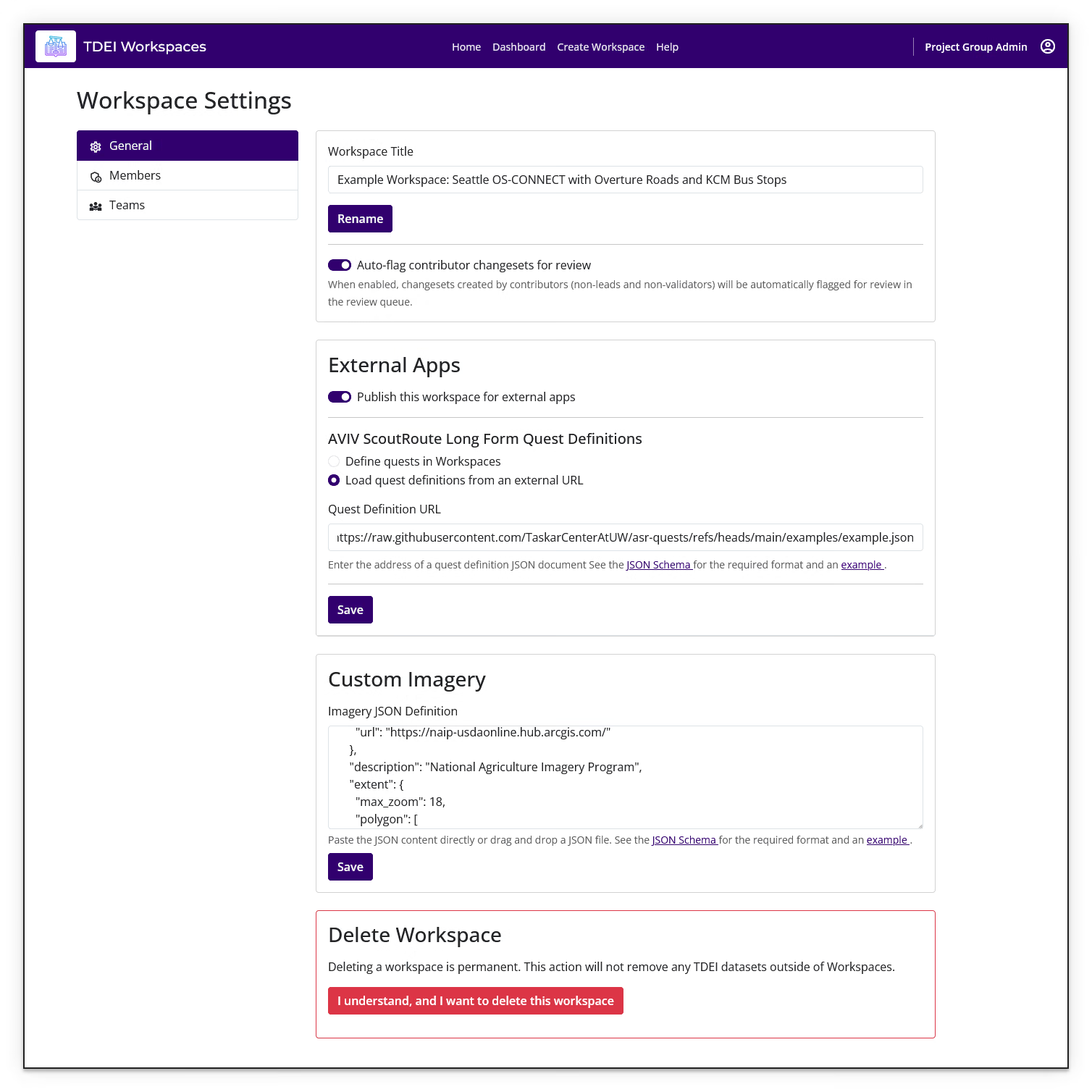
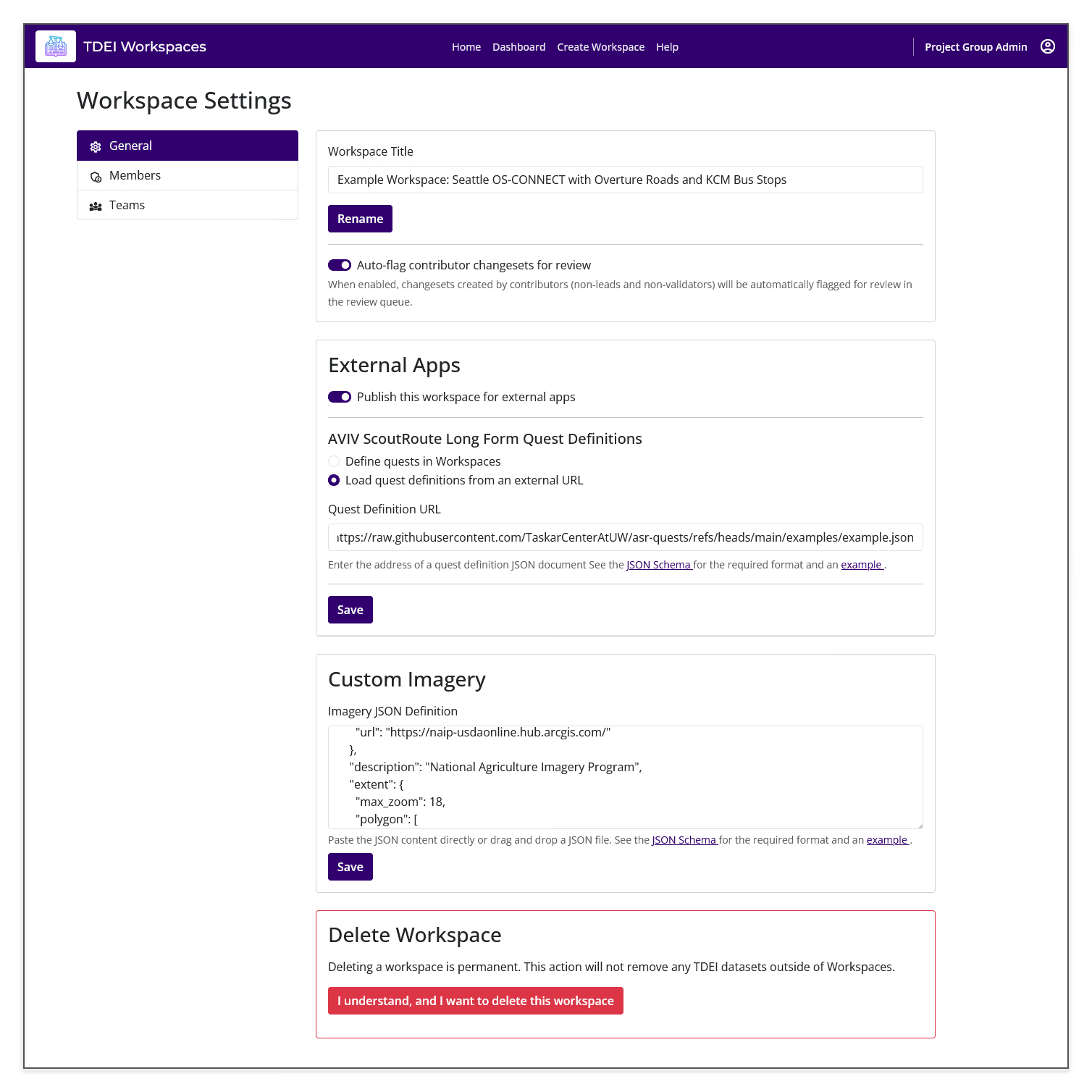
Use the General section to rename the workspace and configure contributor changeset review.
Workspace owners and TDEI Project Group admins (POCs) can change workspace settings. Other members can view the settings page, but controls such as Rename, workspace publishing, quest-definition settings, imagery settings, and deletion can be disabled.
- Workspace Title
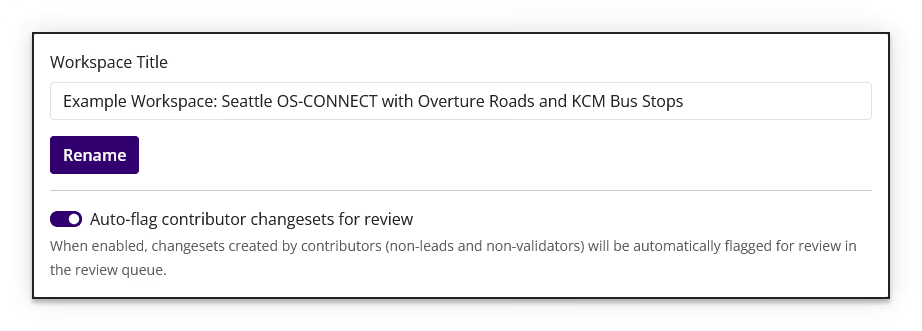
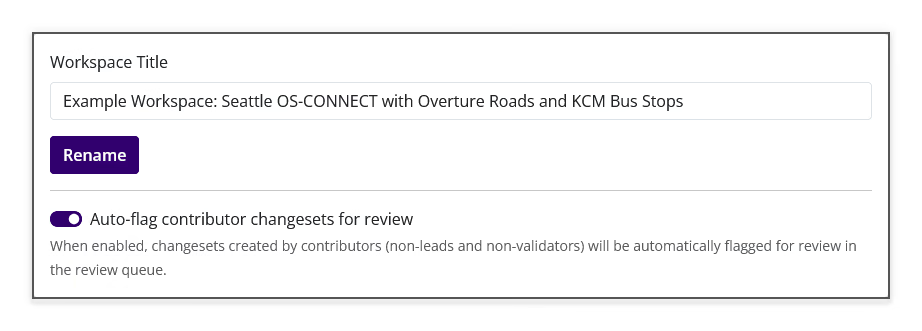
To rename a workspace, enter the new name in Workspace Title, then select Rename.
- Auto-flag contributor changesets for review
Enable this option to automatically flag changesets created by contributors for review in the review queue. Contributors are described in the page as non-leads and non-validators.
External Apps⚓︎
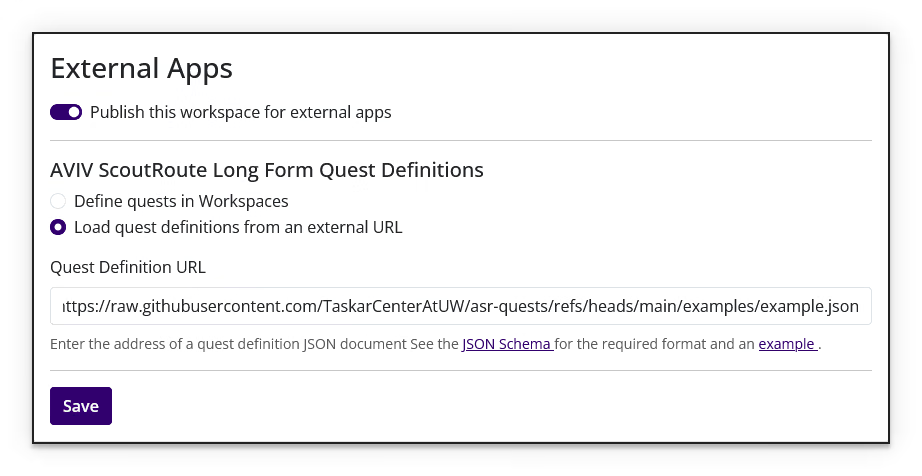
Use the External Apps section to publish the workspace for external apps, configure AVIV ScoutRoute Long Form Quest Definitions, and define custom imagery.
- Publish the workspace
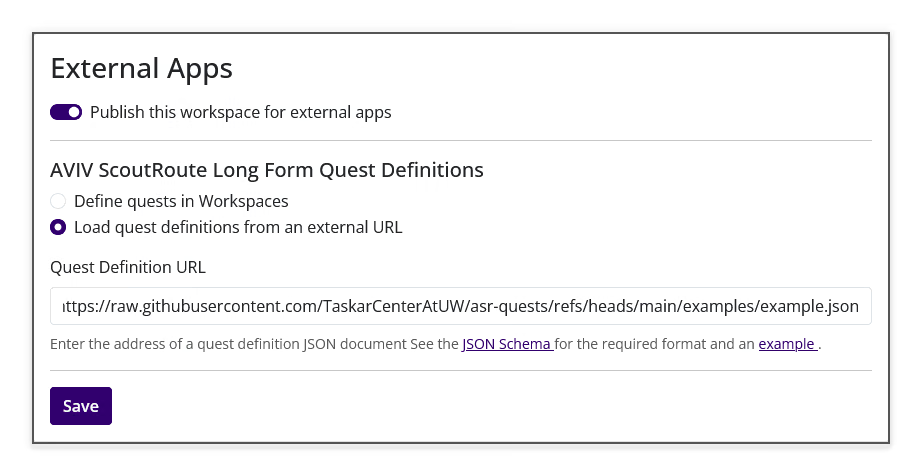
Enable Publish this workspace for external apps to make the workspace available for contributions through AVIV ScoutRoute, then select Save.
- AVIV ScoutRoute Long Form Quest Definitions
Choose one of the available quest-definition sources:
- Define quests in Workspaces to enter the definition in JSON format directly on Workspaces.
- Load quest definitions from an external URL to provide the address of a quest-definition JSON document in Quest Definition URL.
Select Save after changing the quest-definition settings.
Custom Imagery⚓︎
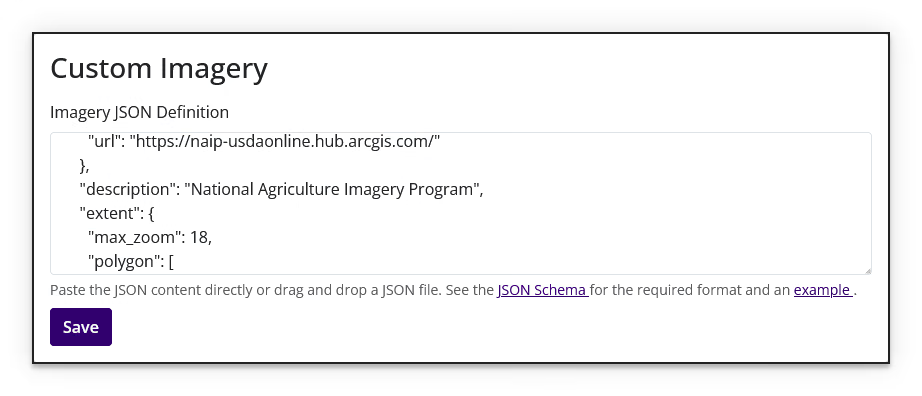
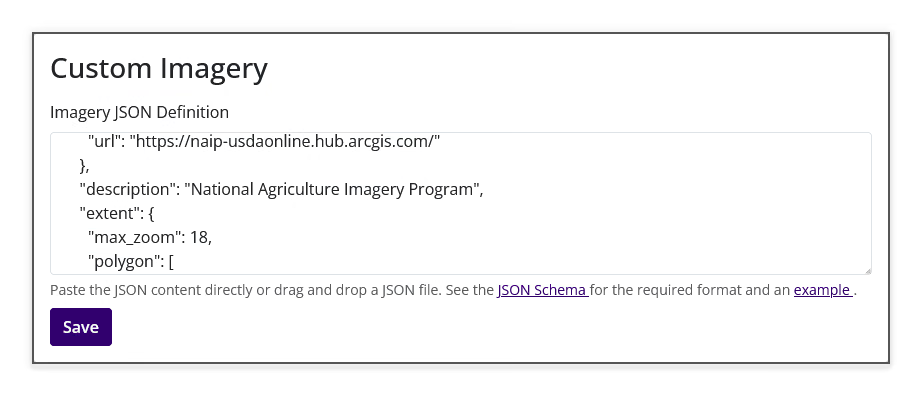
Enter a Custom Imagery Definition in Imagery JSON Definition, then select Save. The help text below the field links to the required JSON Schema and an example.
JSON definitions
Enter valid JSON in the definition fields. Refer to the AVIV ScoutRoute Long Form Quest Definition guide for quest-definition concepts.
Delete Workspace⚓︎
Permanent action
Deleting a workspace is permanent. It does not modify TDEI datasets outside Workspaces.
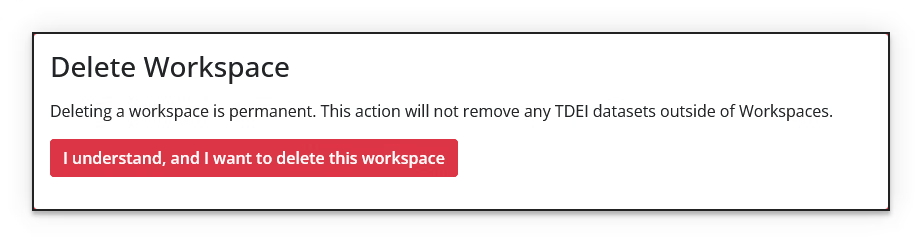
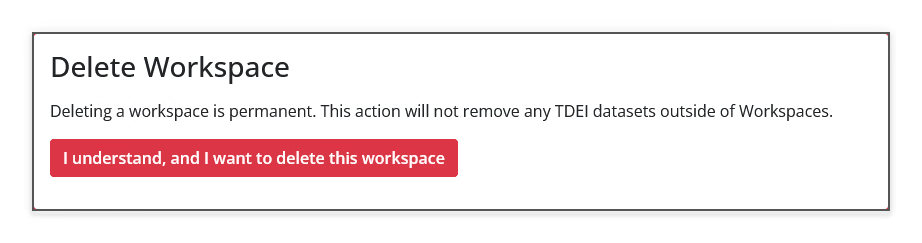
To begin deleting the workspace, select I understand, and I want to delete this workspace. Follow the confirmation step shown by Workspaces before completing the deletion.
When you are not an owner, Workspaces displays that only workspace owners can delete the workspace and disables the delete control.
Previous: Workspace Settings | Next: Workspace Settings — Members