Getting Started
Getting Started⚓︎
This section explains how to open TDEI Workspaces, sign in, and find the main Workspaces pages.
For a list of all guides on the TCAT Wiki, refer to the Guides List.
Open Workspaces⚓︎
- Open TDEI Workspaces
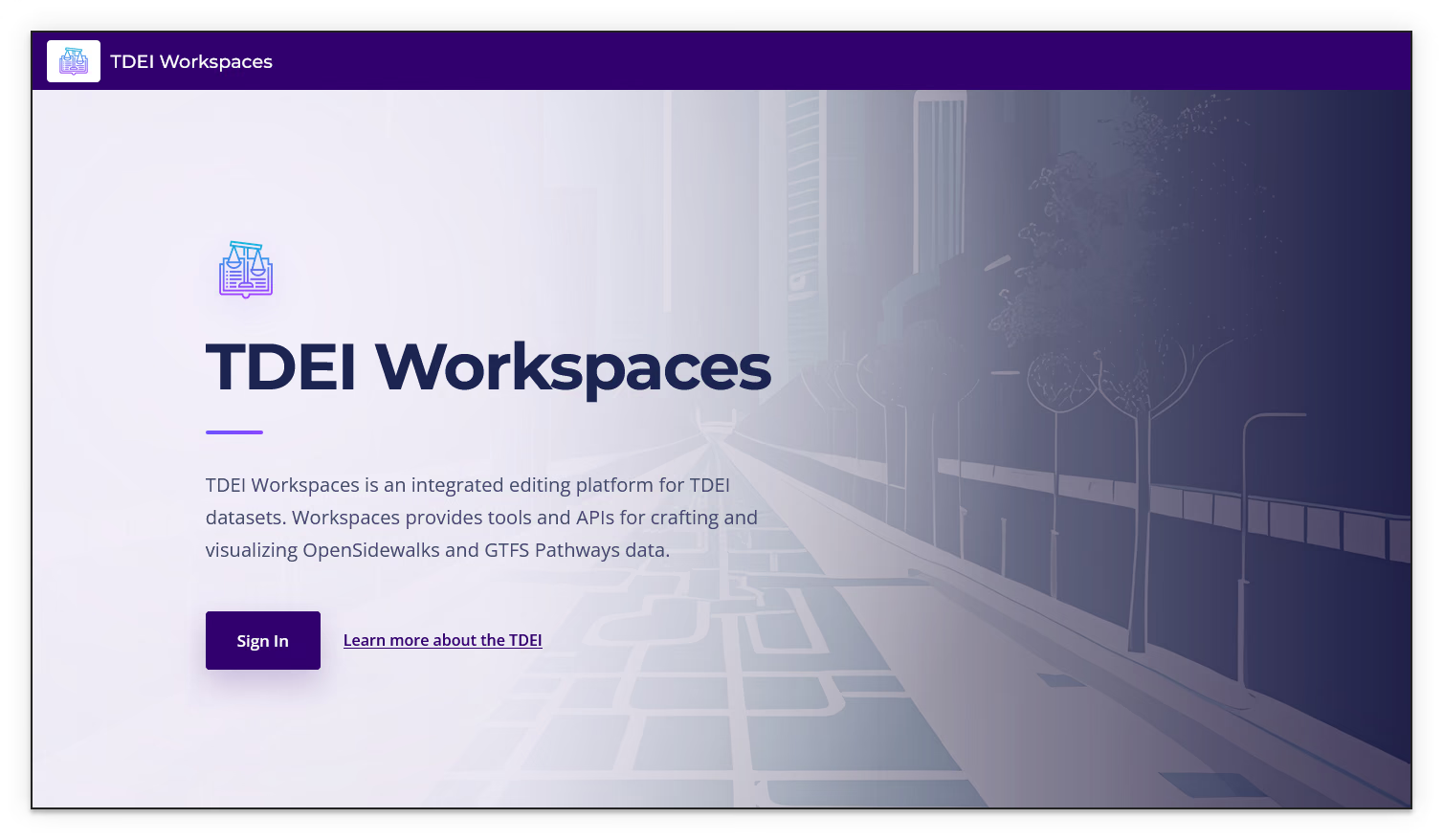
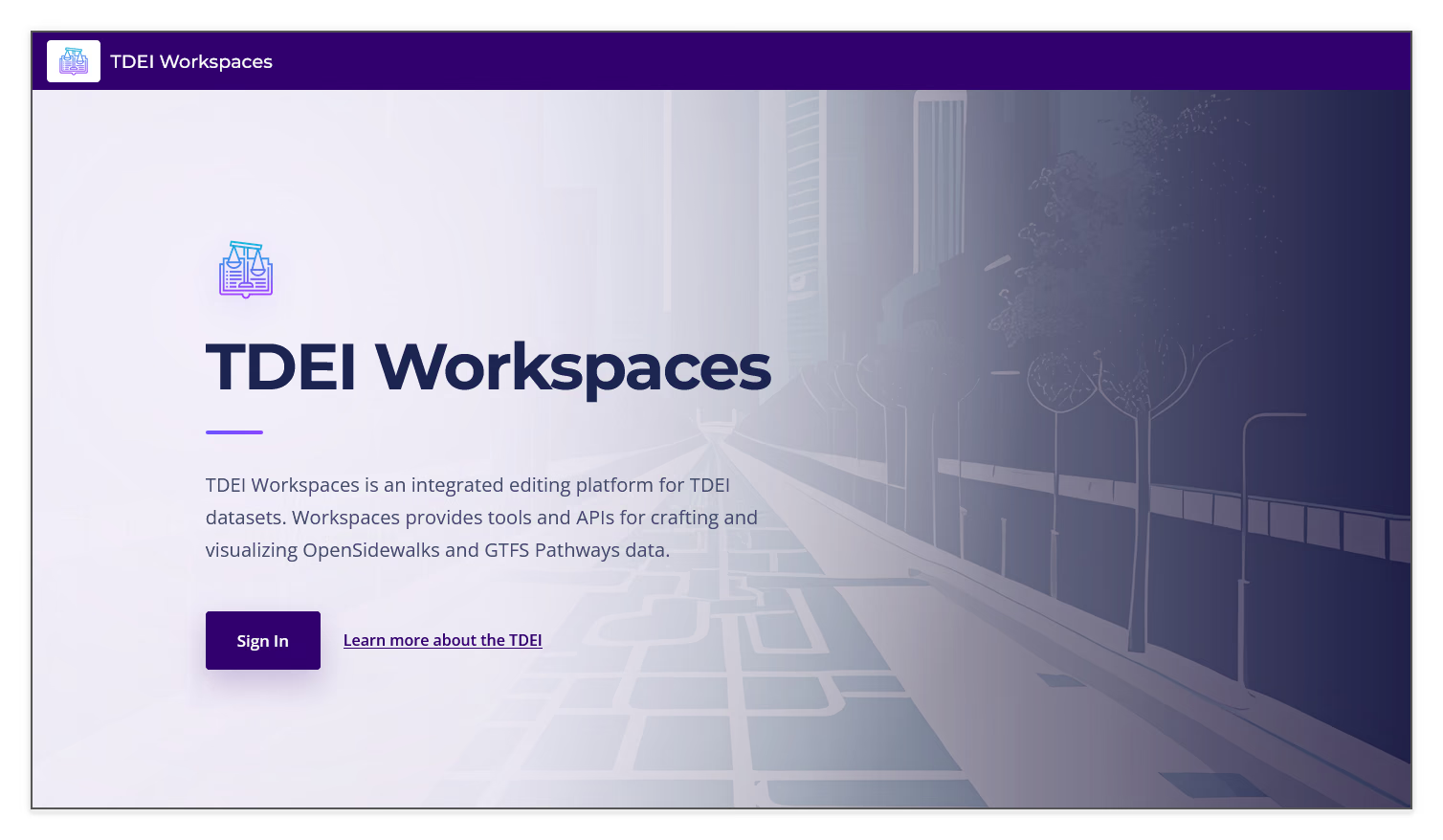
- Select Sign In when the landing page appears
- Enter your TDEI Username and Password
- Select Sign In
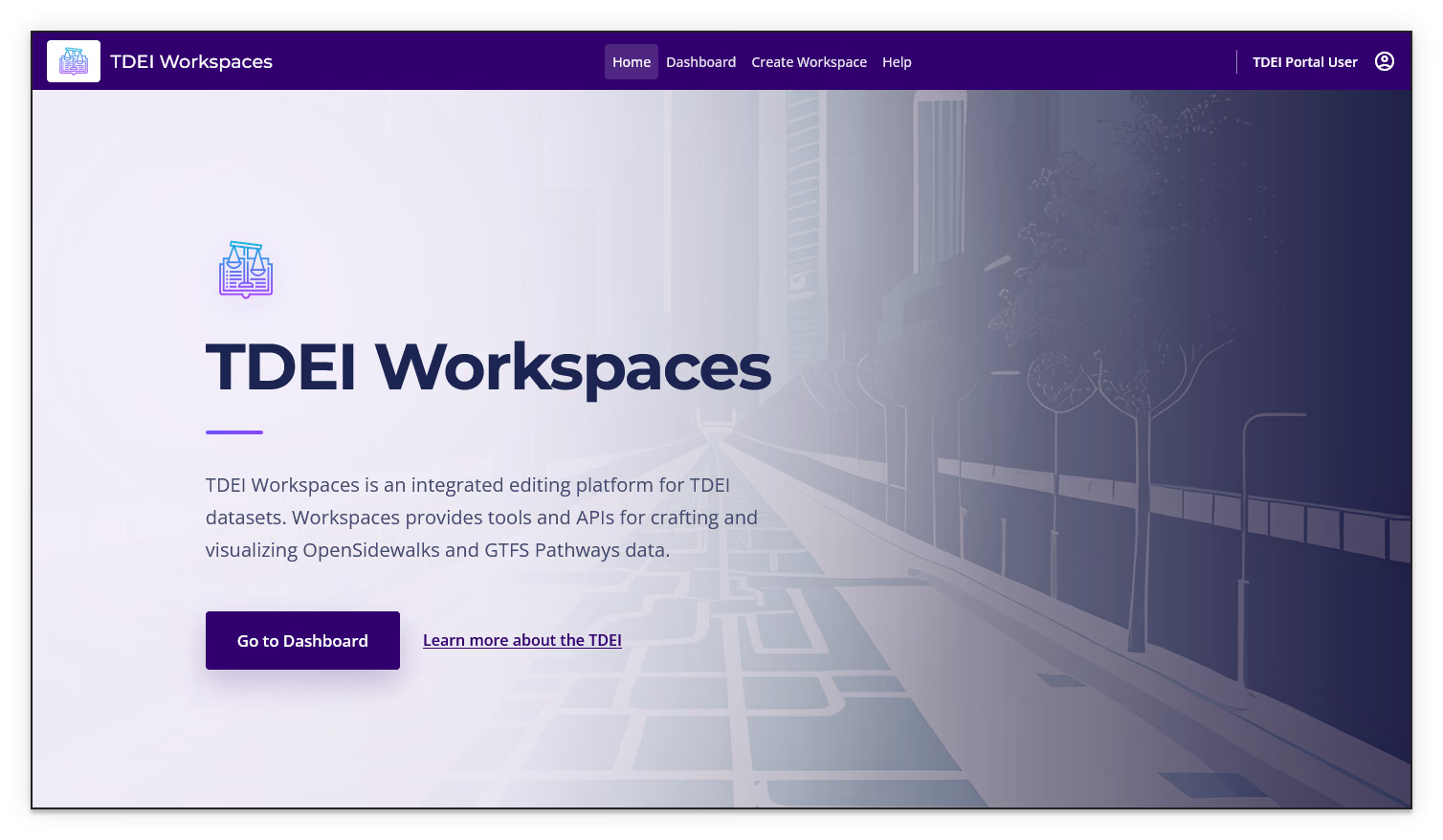
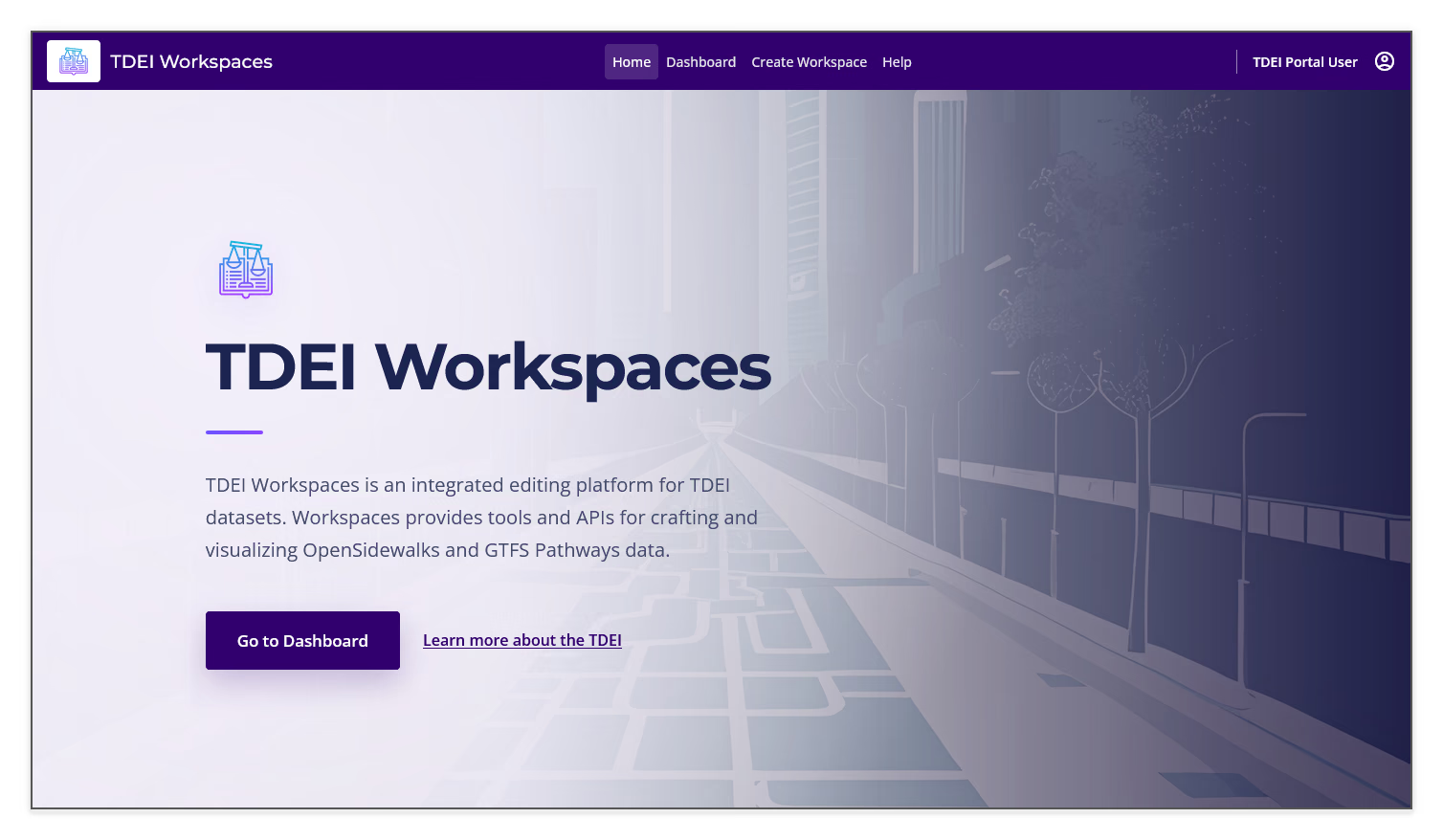
The landing page describes Workspaces as an integrated editing platform for TDEI datasets. After you sign in, the landing page button changes to Go to Dashboard.
Navigate the Workspaces interface⚓︎
Use the navigation bar to open the main pages:
- Home — returns to the Workspaces landing page
- Dashboard — main page showing your project group's workspaces
- Create Workspace — opens the workspace creation options
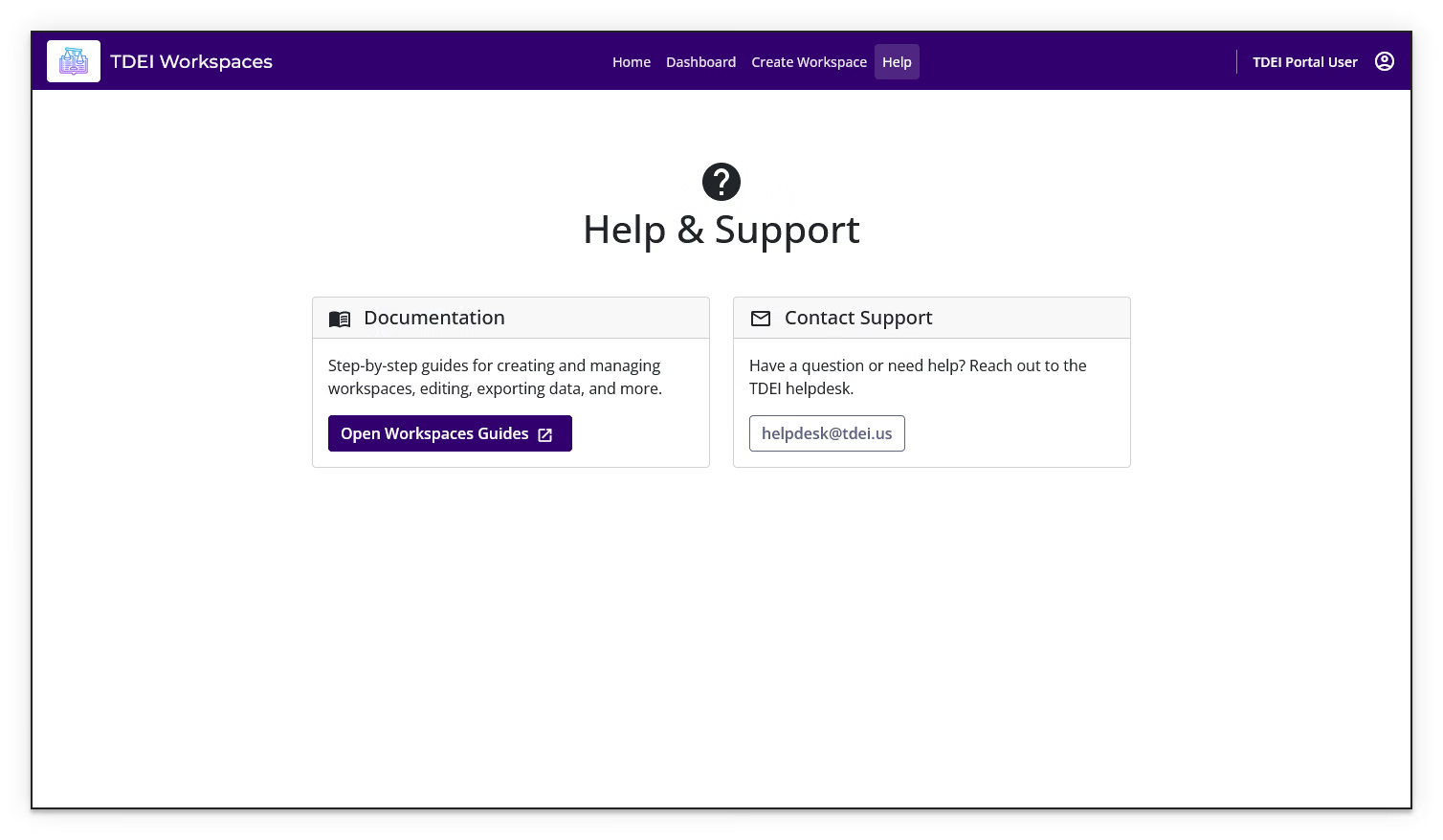
- Help — opens documentation and support information
The account control at the right side of the top navigation bar shows the signed-in TDEI user.
Open Help & Support⚓︎
- Select Help in the navigation bar
- The Documentation card links to this documentation here on the TCAT Wiki
- Use the Contact Support card to contact the TDEI helpdesk via email at
helpdesk@tdei.us
Previous: Workspaces User Manual | Next: Create a Workspace