Create a Workspace
Create a Workspace⚓︎
This section explains how to create a blank workspace, import a dataset from TDEI, or upload an OpenSidewalks data file.
For a list of all guides on the TCAT Wiki, refer to the Guides List.
Choose a creation method⚓︎
- Open Create Workspace in the navigation bar
-
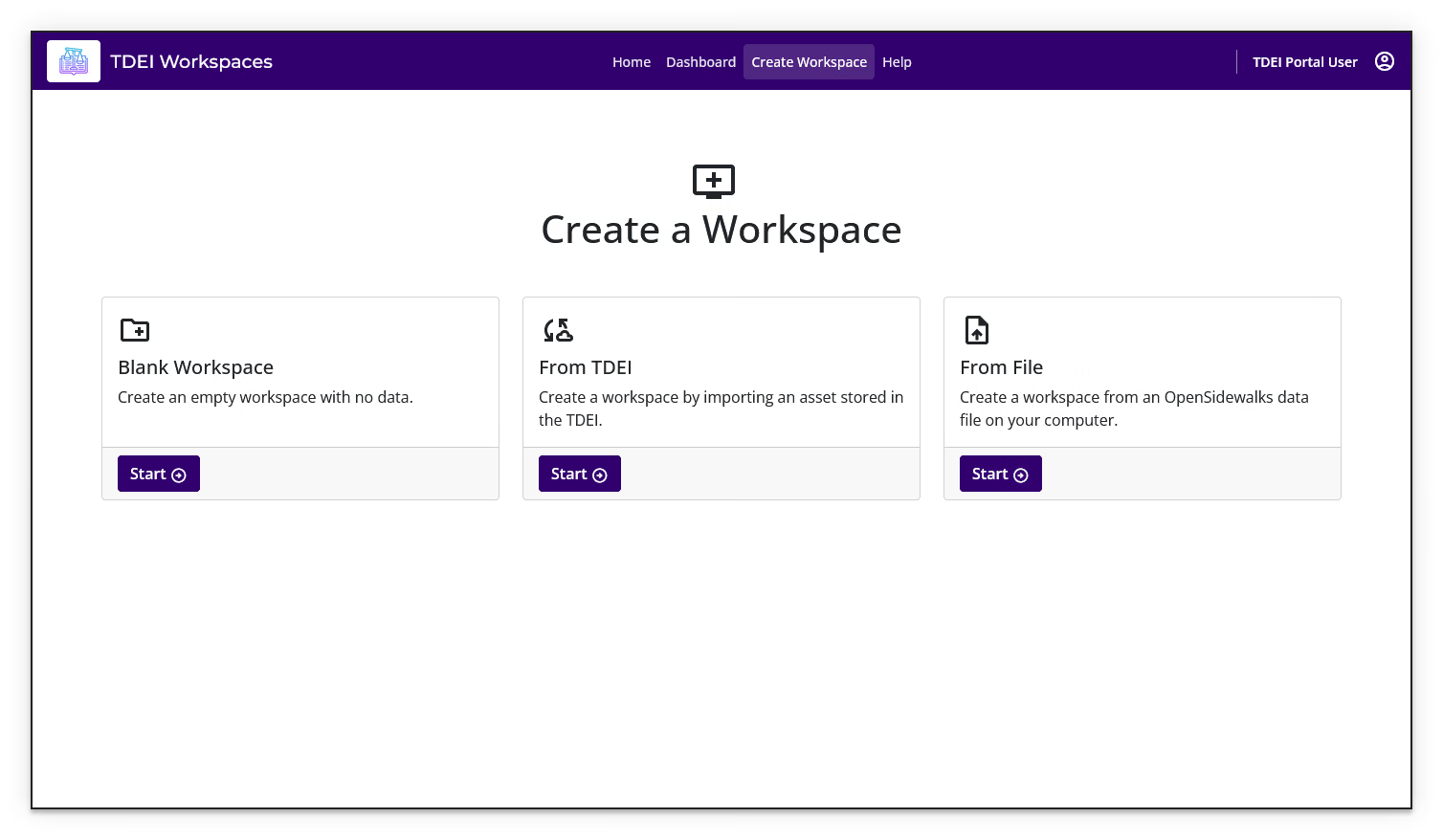
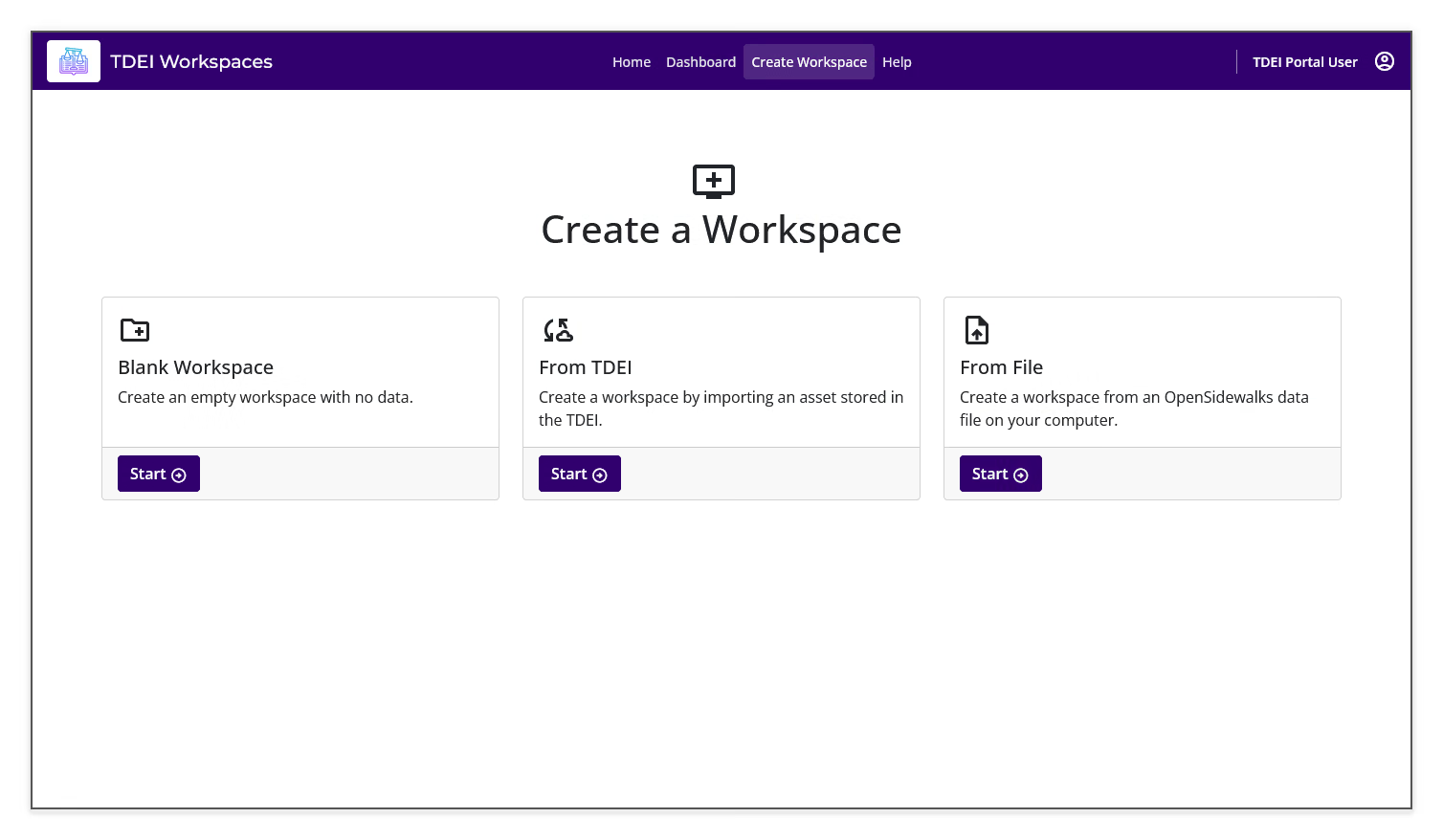
Review the three available creation methods:
- Blank Workspace creates an empty workspace with no data.
- From TDEI creates a workspace by importing an asset stored in TDEI.
- From File creates a workspace from an OpenSidewalks data file on your computer.
-
Select Start on the method that matches your source data
Create a blank workspace⚓︎
- Select Start under Blank Workspace
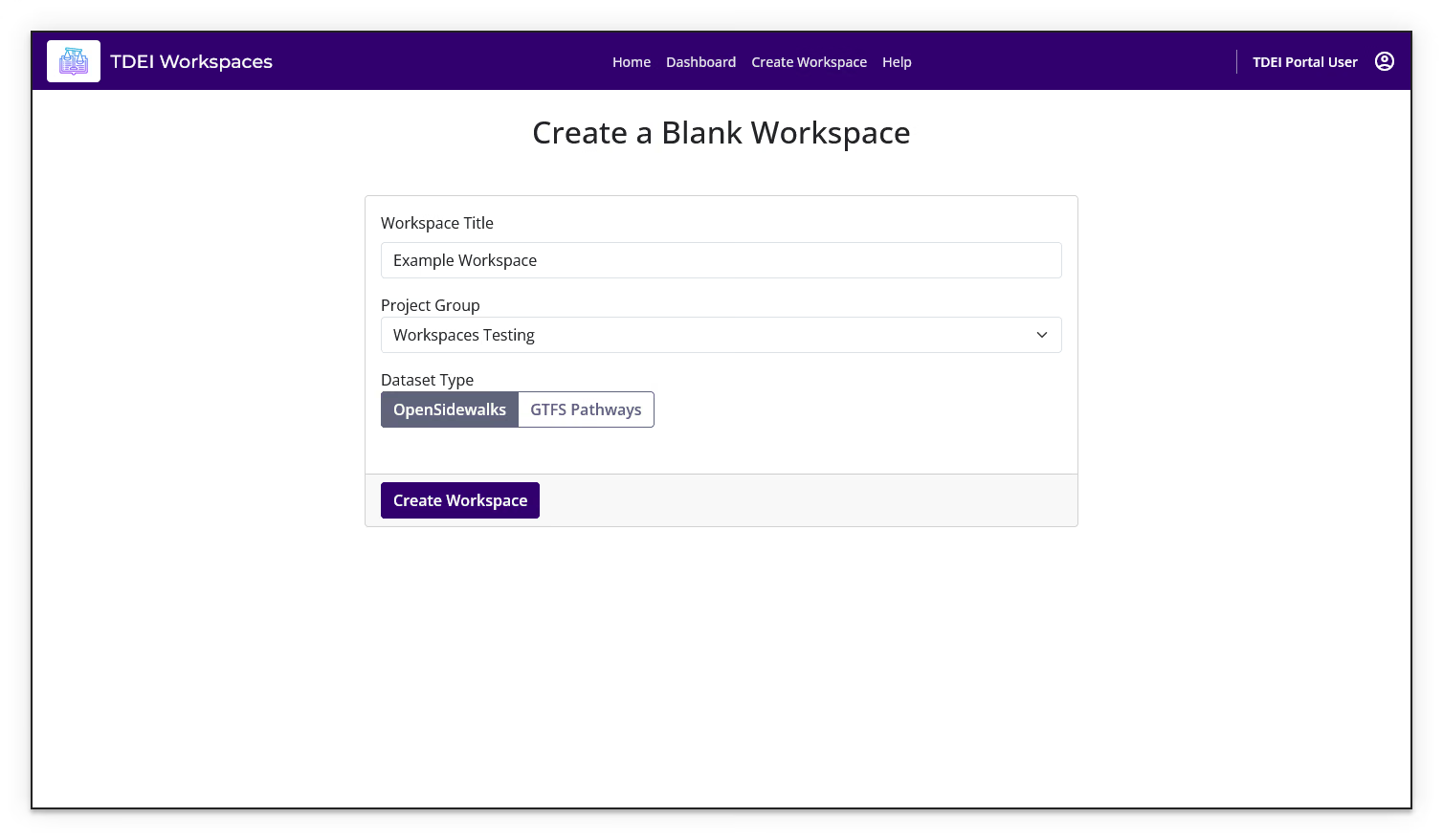
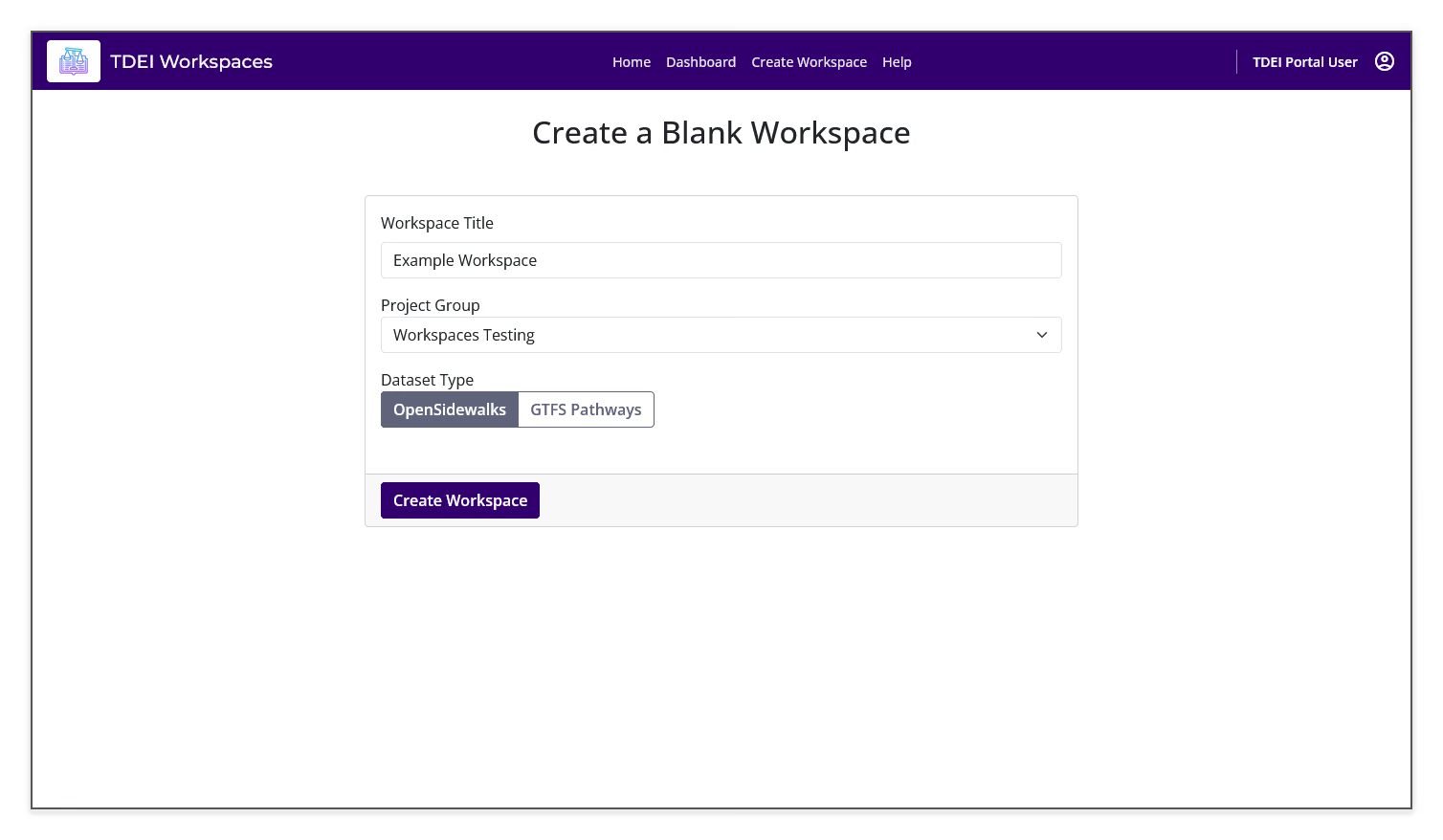
- Enter a name in Workspace Title
- Select a Project Group
- Under Dataset Type, select OpenSidewalks or GTFS Pathways
- Select Create Workspace
Create a workspace from TDEI⚓︎
- Select Start under From TDEI
- Enter a name in Workspace Title
- Select a Project Group
- Select a Dataset from the available TDEI datasets
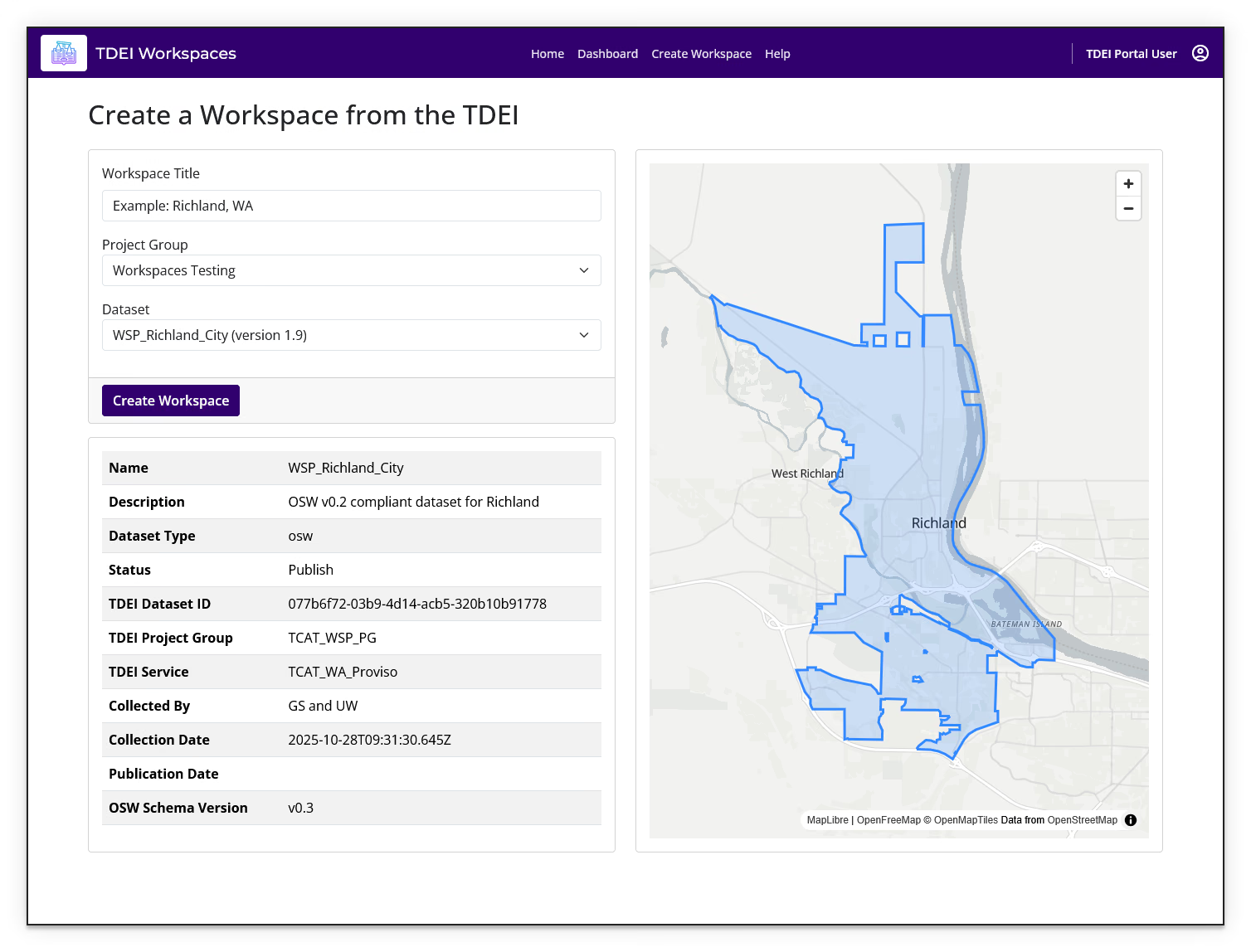
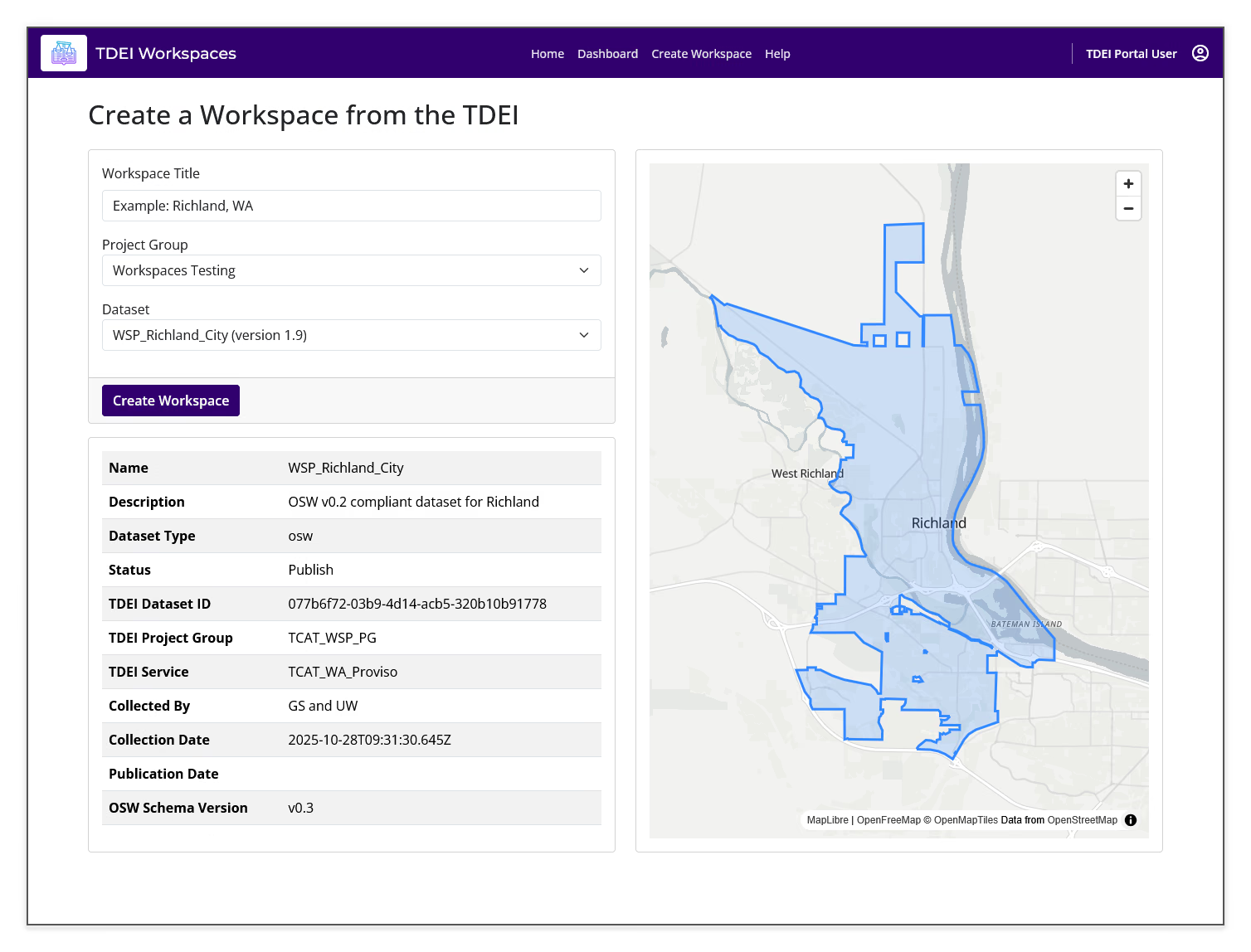
- Review the dataset information and map preview
- Select Create Workspace
The dataset information panel can include the dataset name, description, dataset type, status, TDEI dataset ID, project group, service, collection date, publication date, and OpenSidewalks schema version.
Import behavior
Creating a workspace from TDEI creates a copy of the selected dataset. The workspace is a separate editing context from the source dataset, which remains unchanged.
Create a workspace from a file⚓︎
- Select Start under From File
- Enter a name in Workspace Title
- Select a Project Group
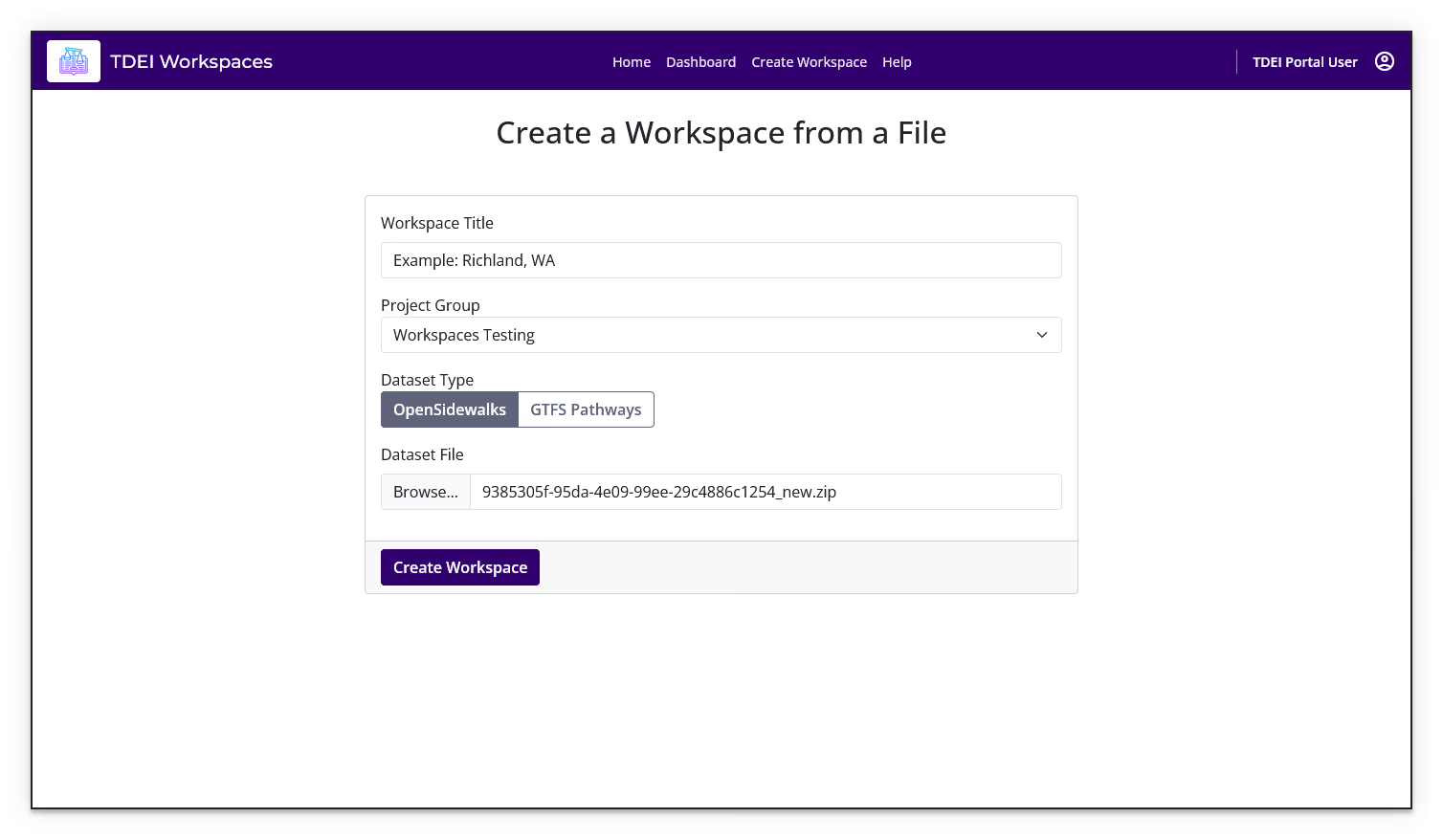
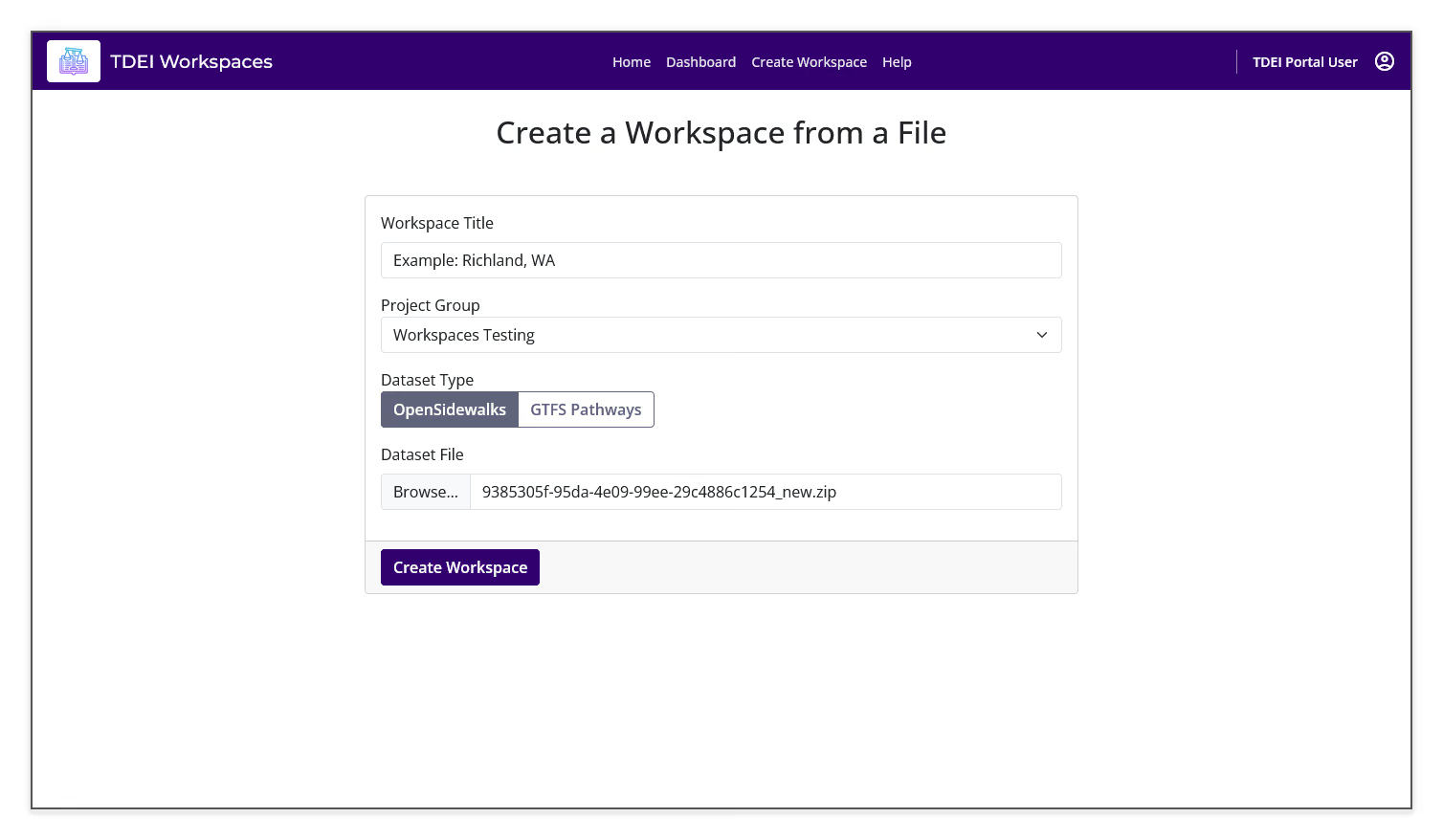
- Under Dataset Type, select OpenSidewalks or GTFS Pathways
- Under Dataset File, select Browse... and choose the data file from your computer
- Select Create Workspace
Monitor workspace setup⚓︎
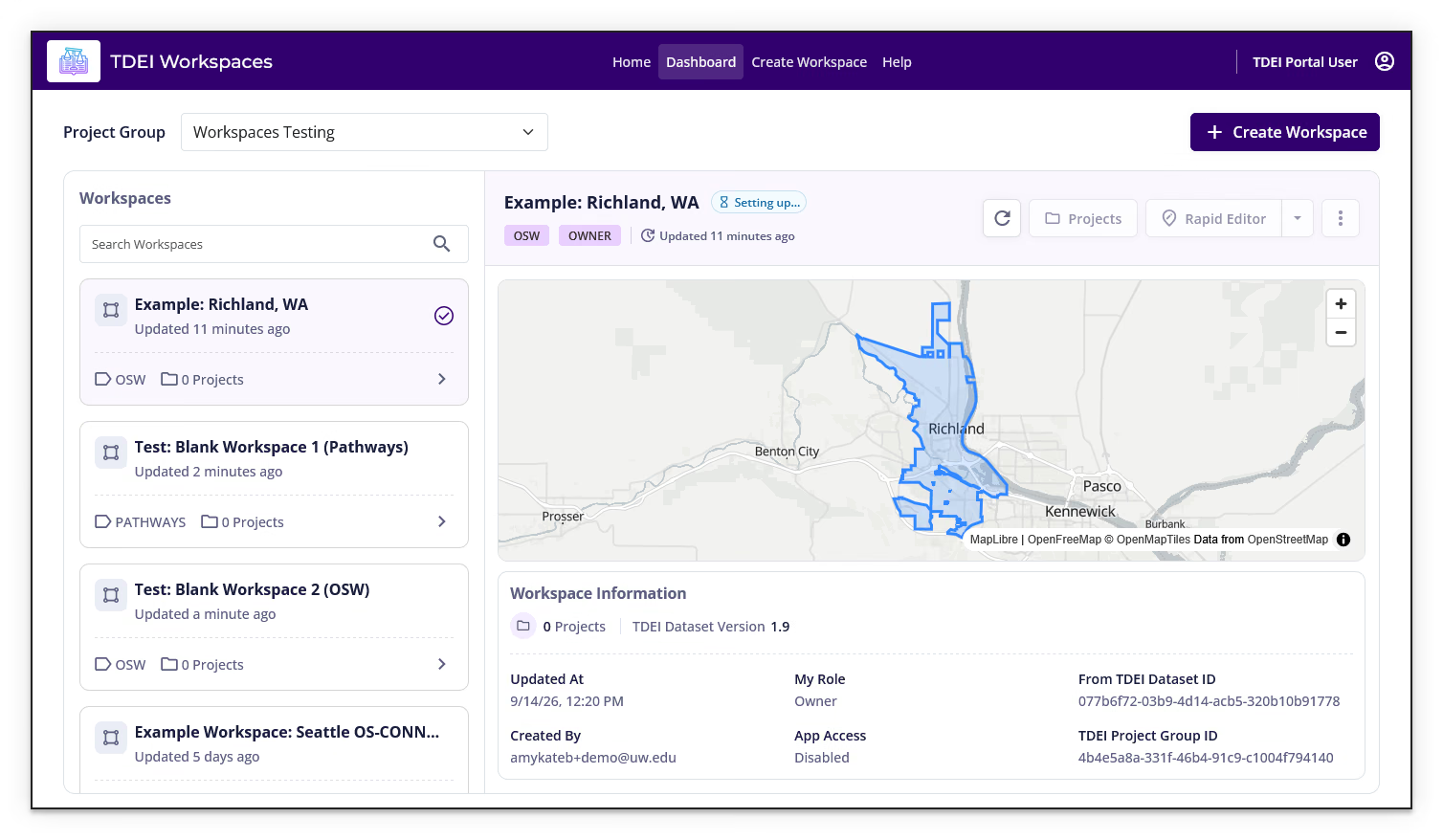
After creating a workspace from a dataset, Workspaces may show the workspace with a Setting up... status while the data is being populated. The workspace actions may remain unavailable during setup.
Wait for setup to finish
Refresh the workspace status and wait for setup to finish before trying to open workspace-dependent actions.
Previous: Getting Started | Next: Dashboard