View a Project
View a Project⚓︎
This section explains how to find projects in a workspace and review a project’s details, tasks, and contributors.
For a list of all guides on the TCAT Wiki, refer to the Guides List.
Open workspace projects⚓︎
- Open a workspace from the Dashboard
- Select Projects from the workspace actions
- Review the workspace name and project group shown at the top of the page
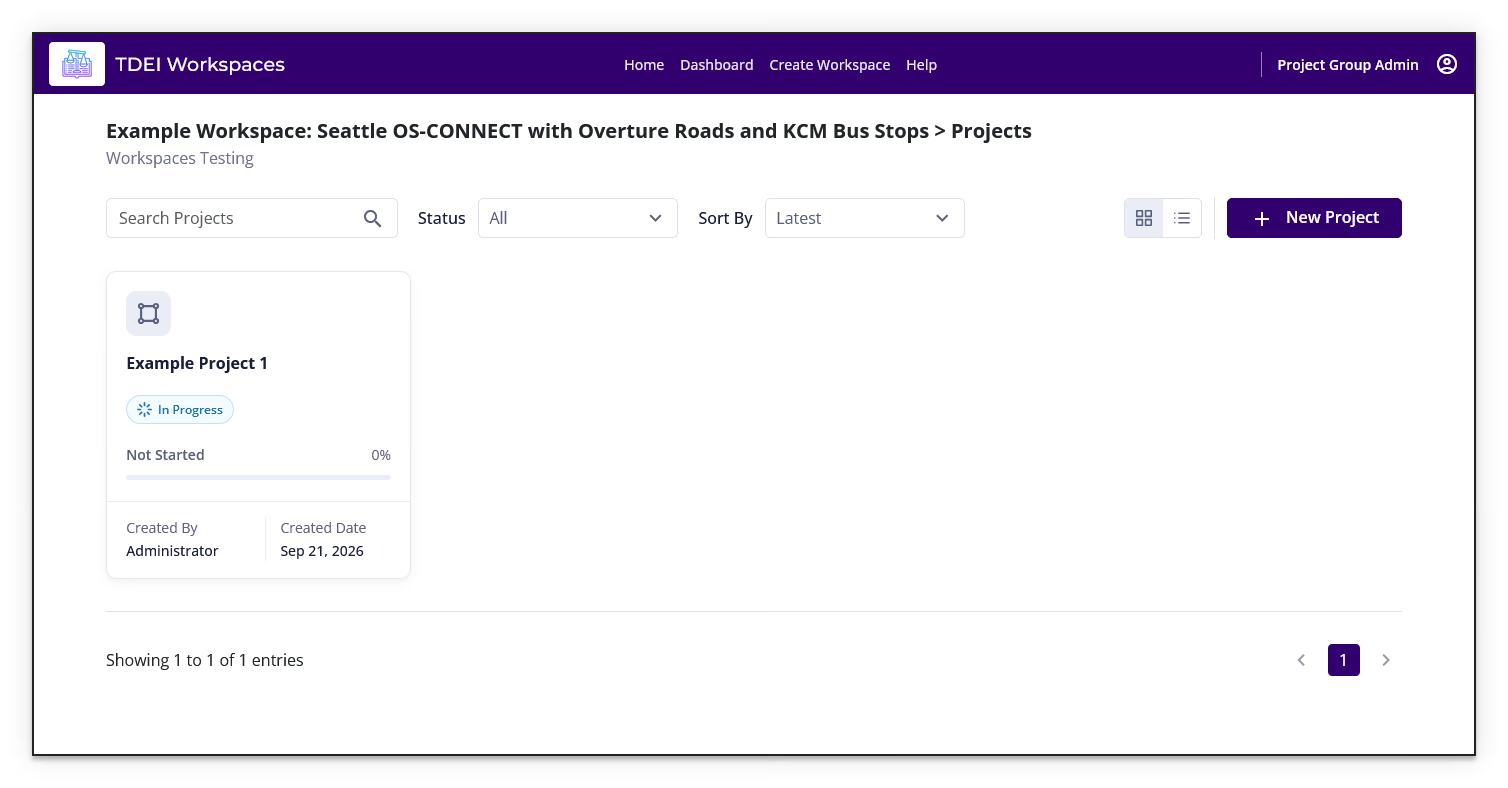
The Projects page provides the following controls:
- Search Projects finds projects by name.
- Status filters projects by status.
- Sort By changes the order of the project cards.
- Grid view and List view change the project layout.
- New Project starts the project-creation workflow.
- Pagination moves between pages when more projects are available.
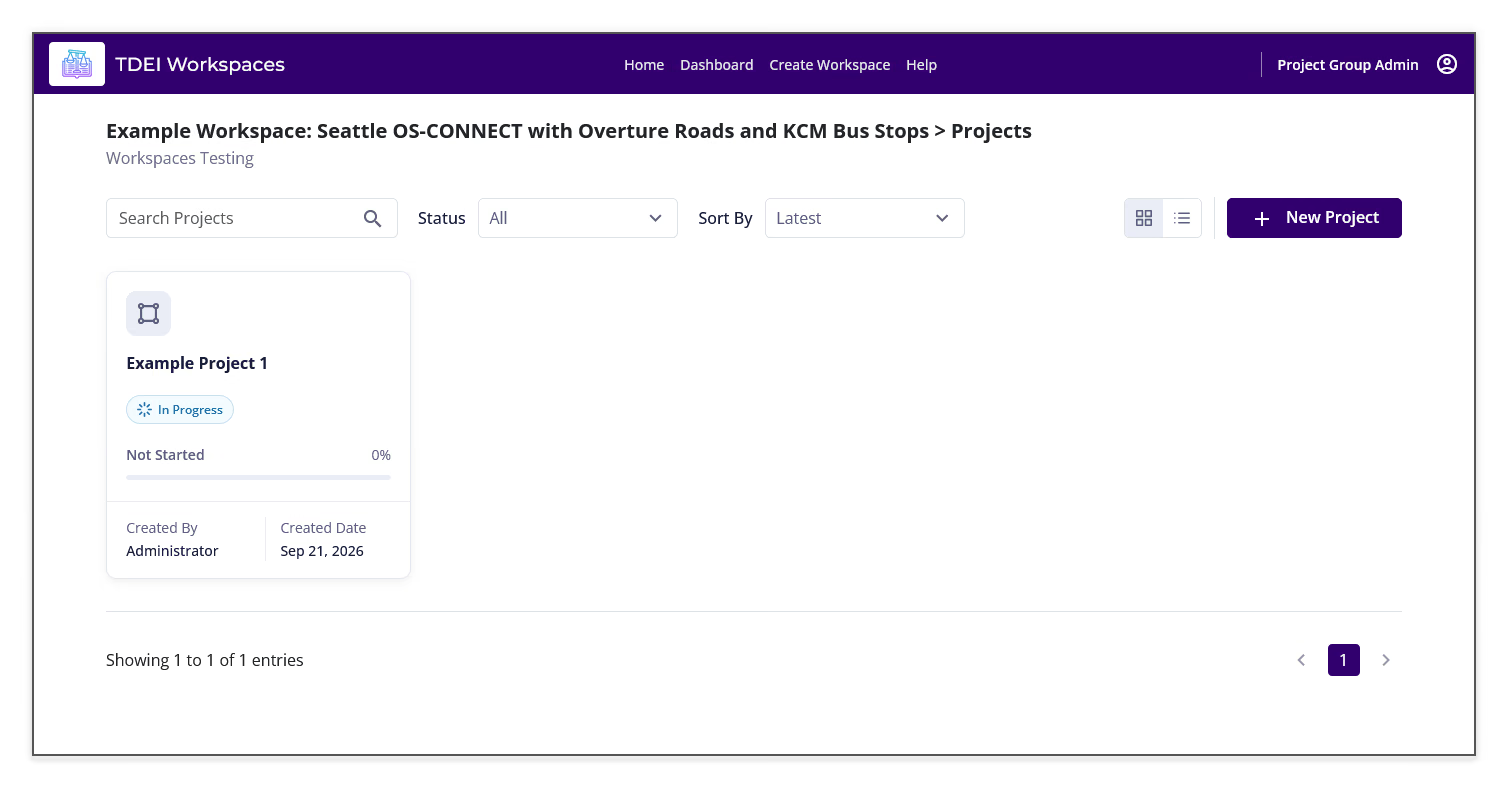
Each project card can show its name, status, completion state, completion percentage, creator, and creation date. Select a project card or its Open project link to open the project.
Review a project⚓︎
Open a project from the Projects page to view its project header, task progress, map, and tabs.
Overview⚓︎
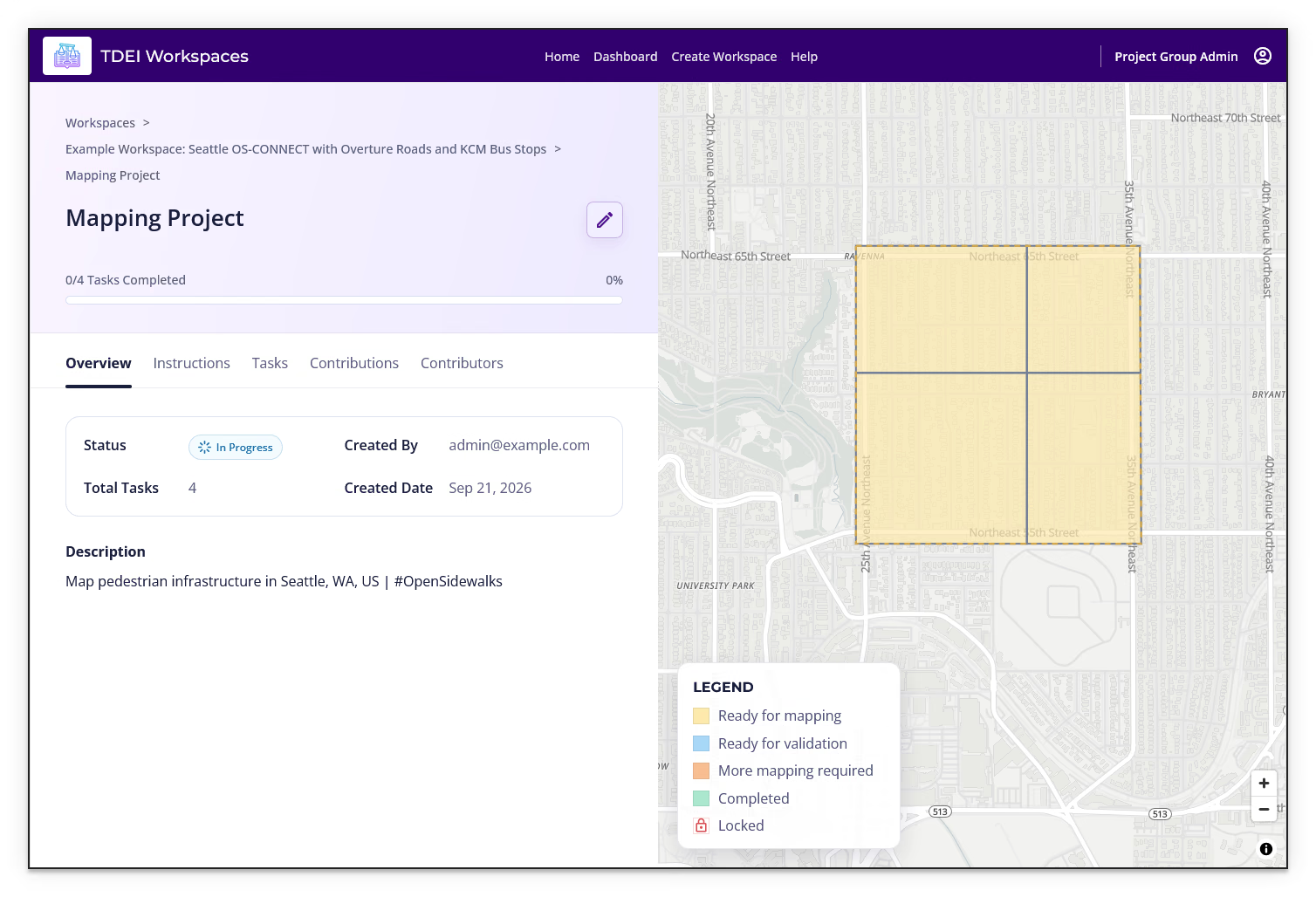
The Overview tab can show:
- Status
- Created By
- Total Tasks
- Created Date
- Description
- The project's task area on the map
- The task status Legend
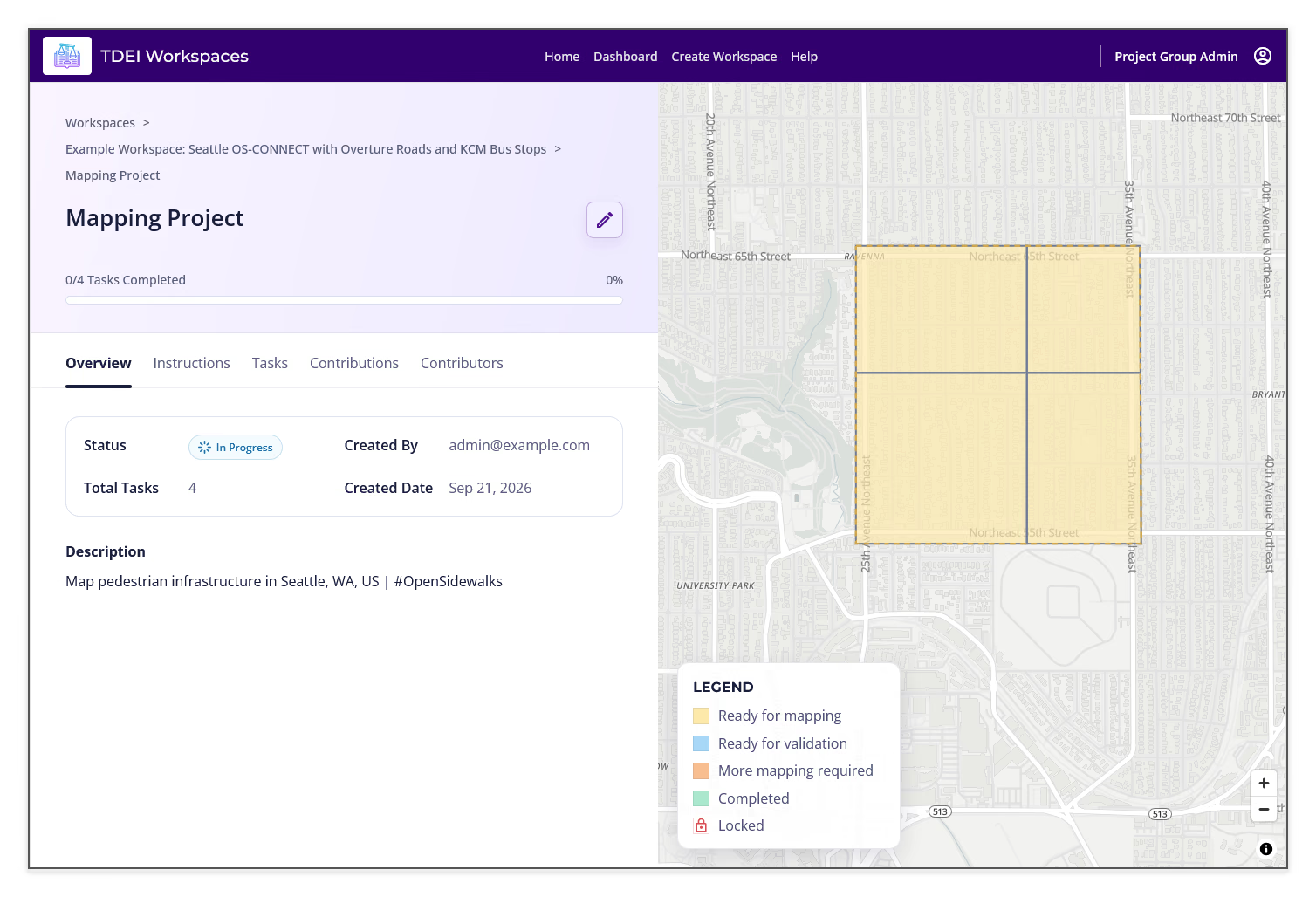
The map legend identifies Ready for mapping, Ready for validation, More mapping required, Completed, and Locked task states.
Instructions⚓︎
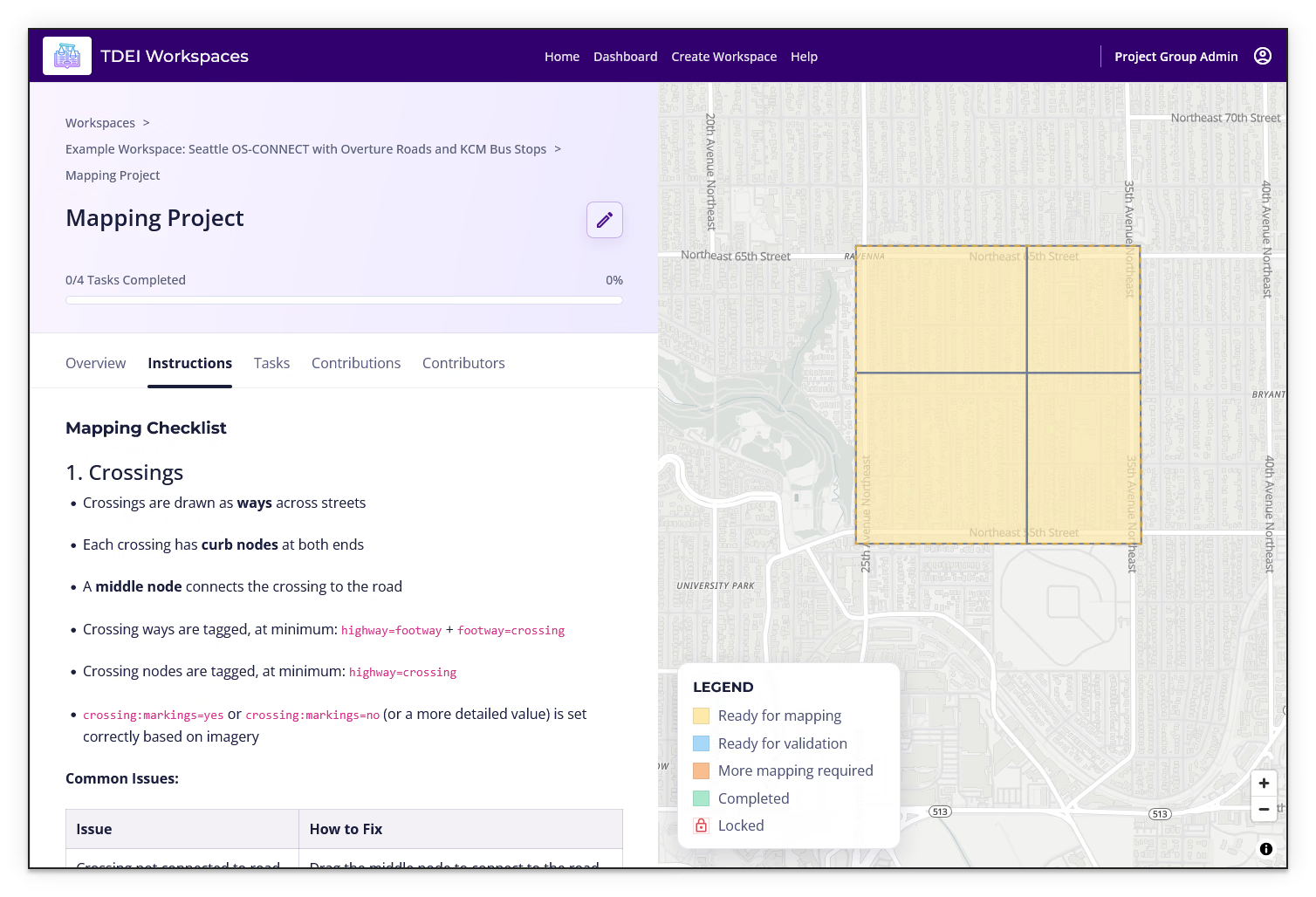
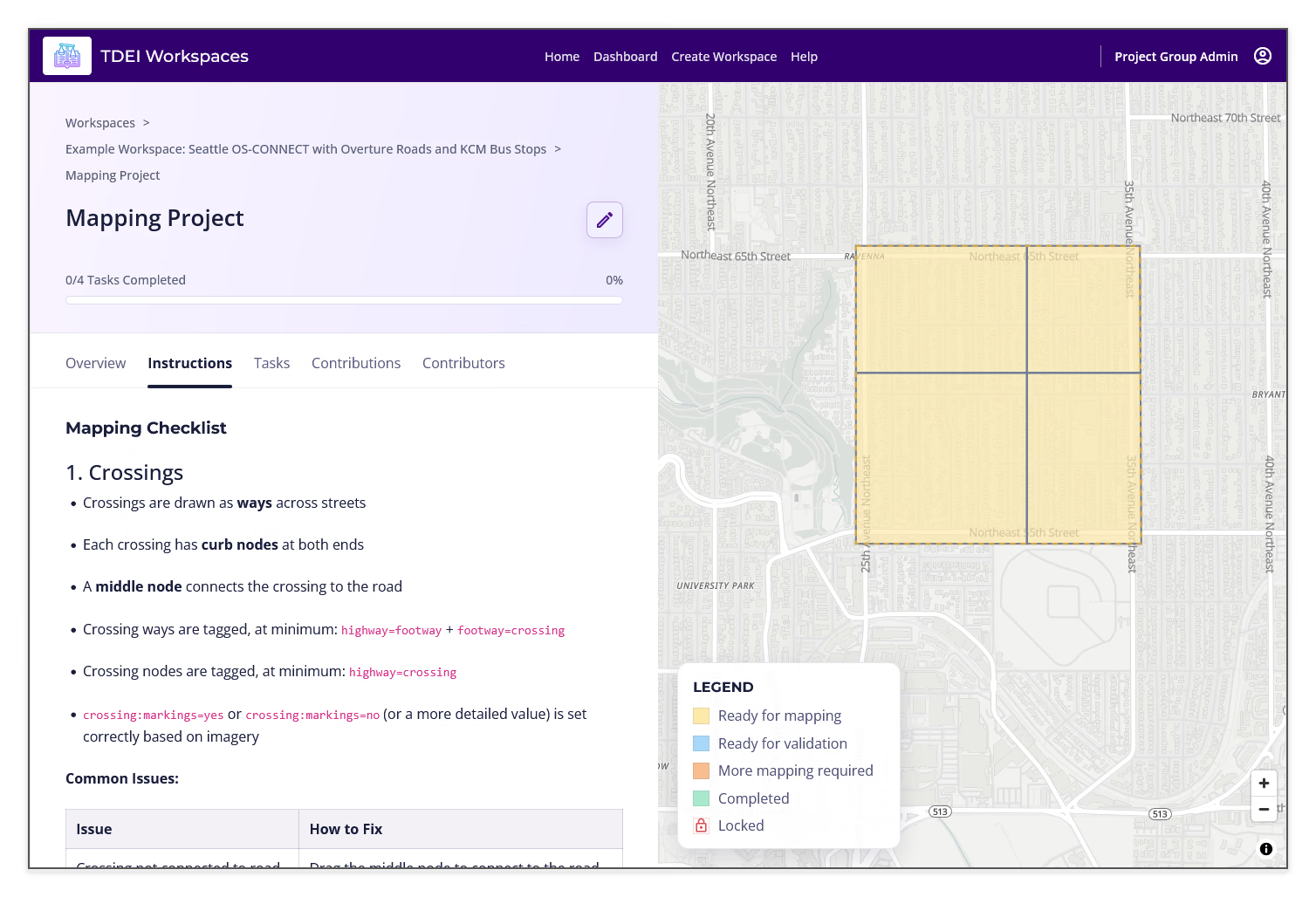
Open the Instructions tab to read the project's rich-text task instructions. Instructions can include mapping guidance, tagging requirements, and a table of common issues and fixes.
Tasks⚓︎
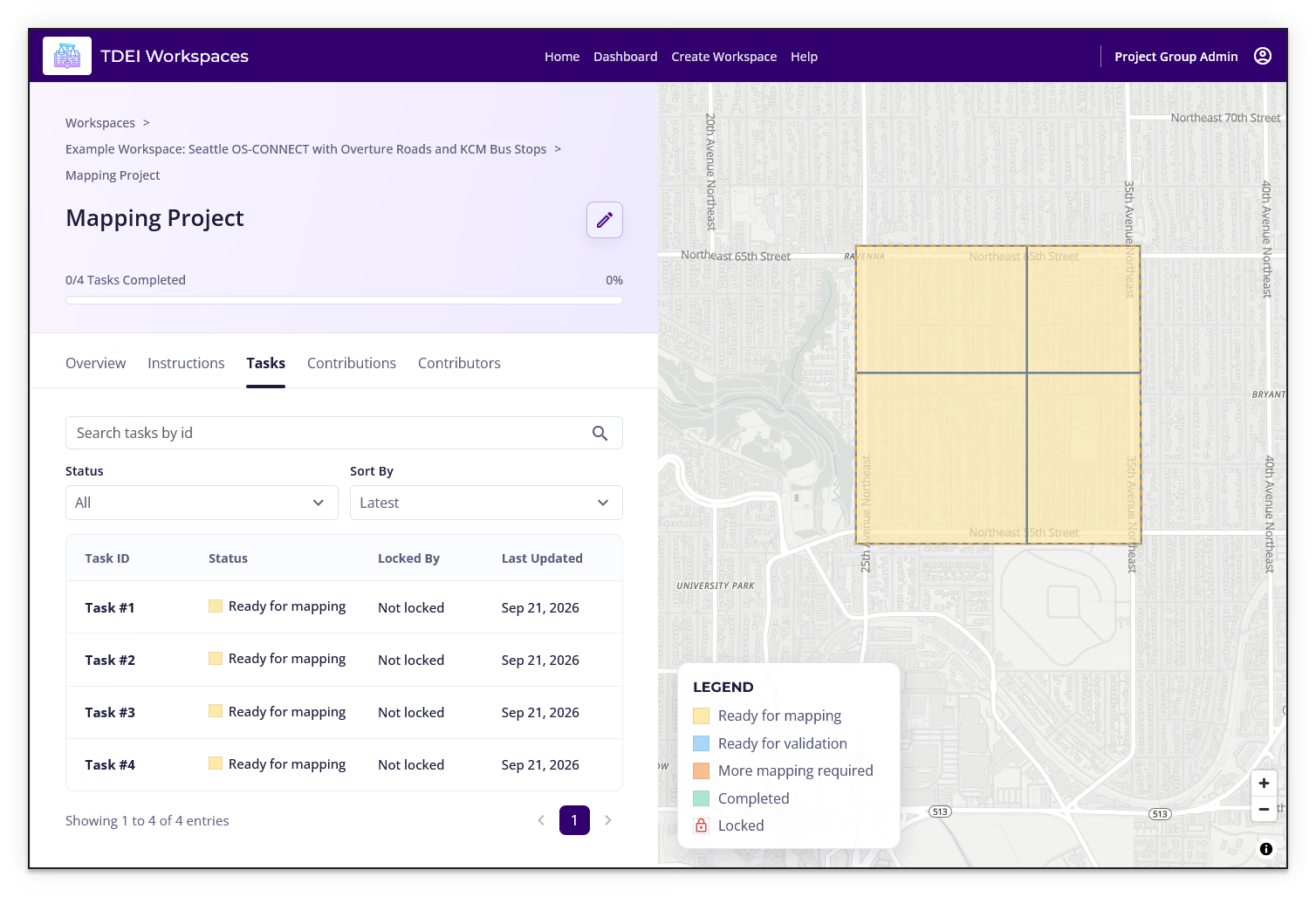
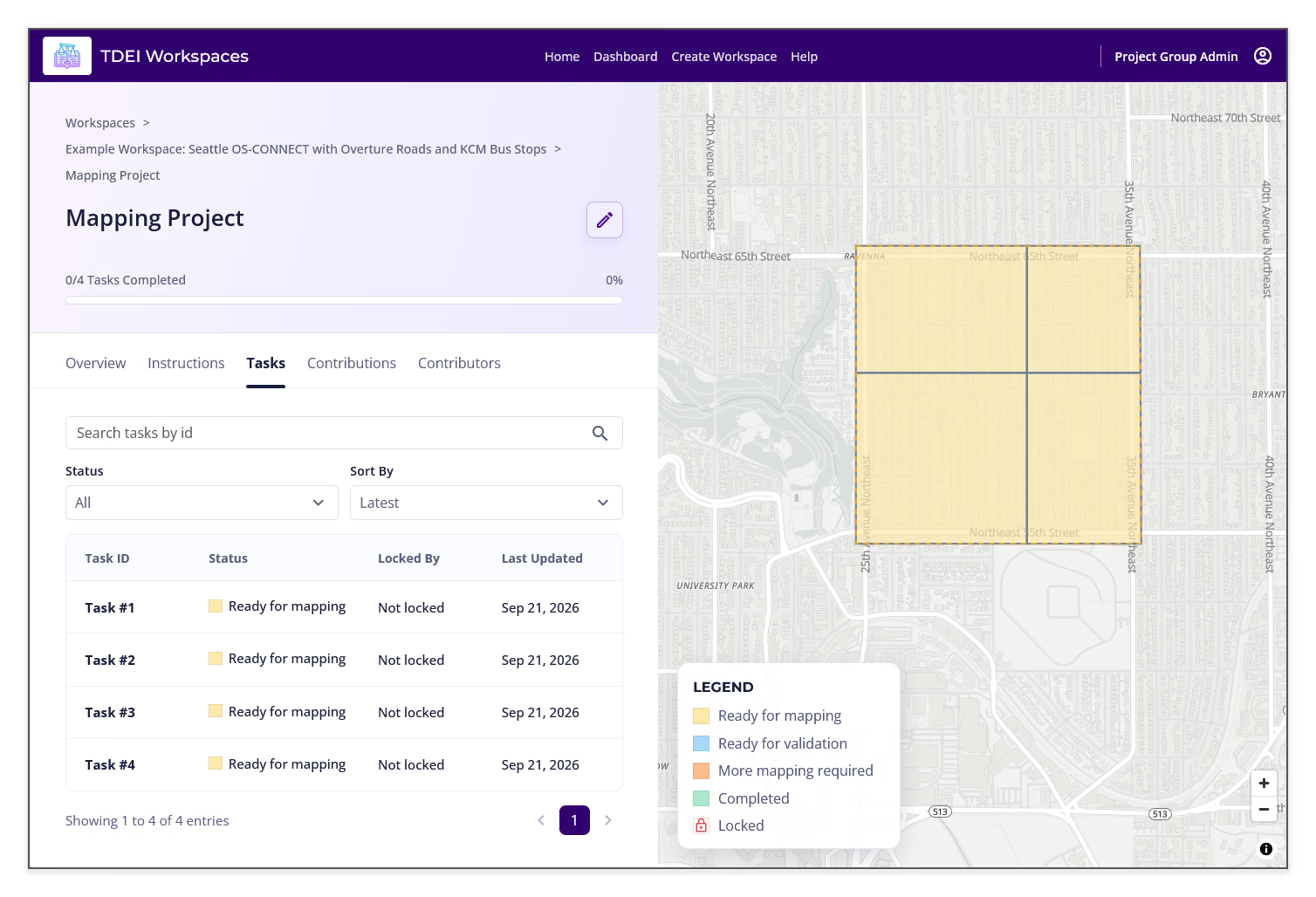
The Tasks tab provides:
- Search tasks by id
- Status filtering
- Sort By
- A task table with Task ID, Status, Locked By, and Last Updated
- Pagination
Select a task ID to select that task on the map and open its task action panel.
Contributions⚓︎
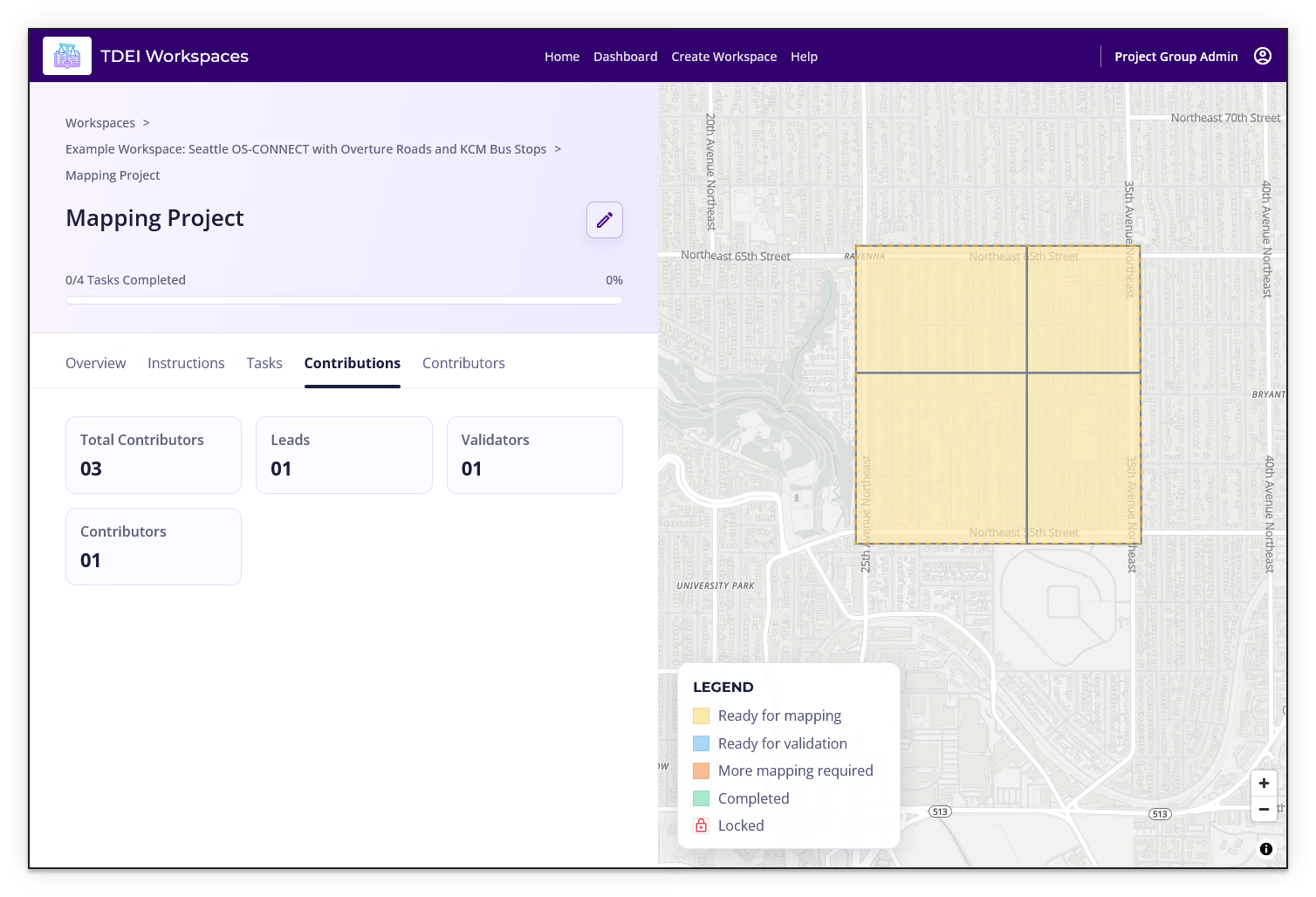
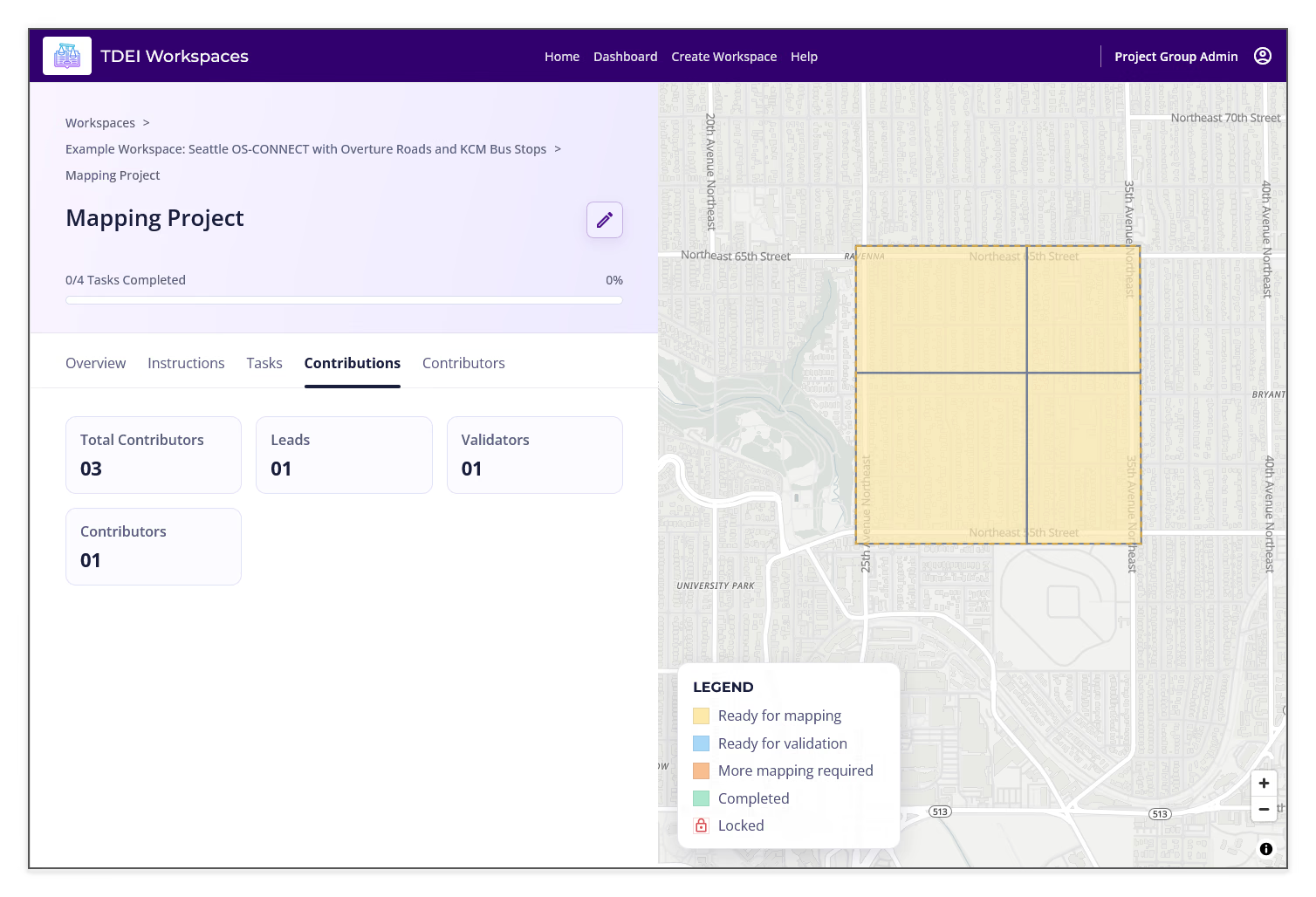
The Contributions tab summarizes project activity with cards for:
- Total Contributors
- Leads
- Validators
- Contributors
Contributors⚓︎
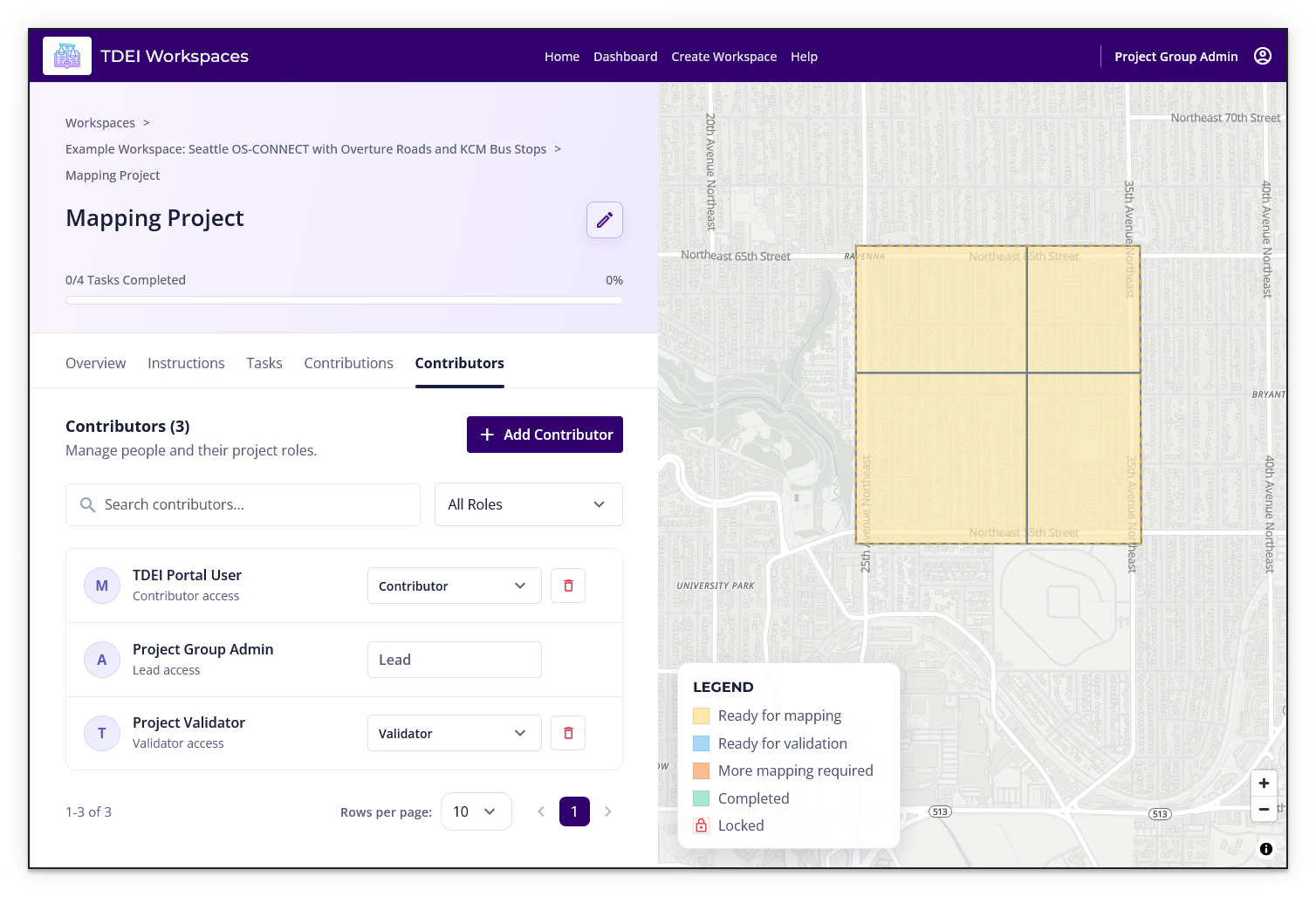
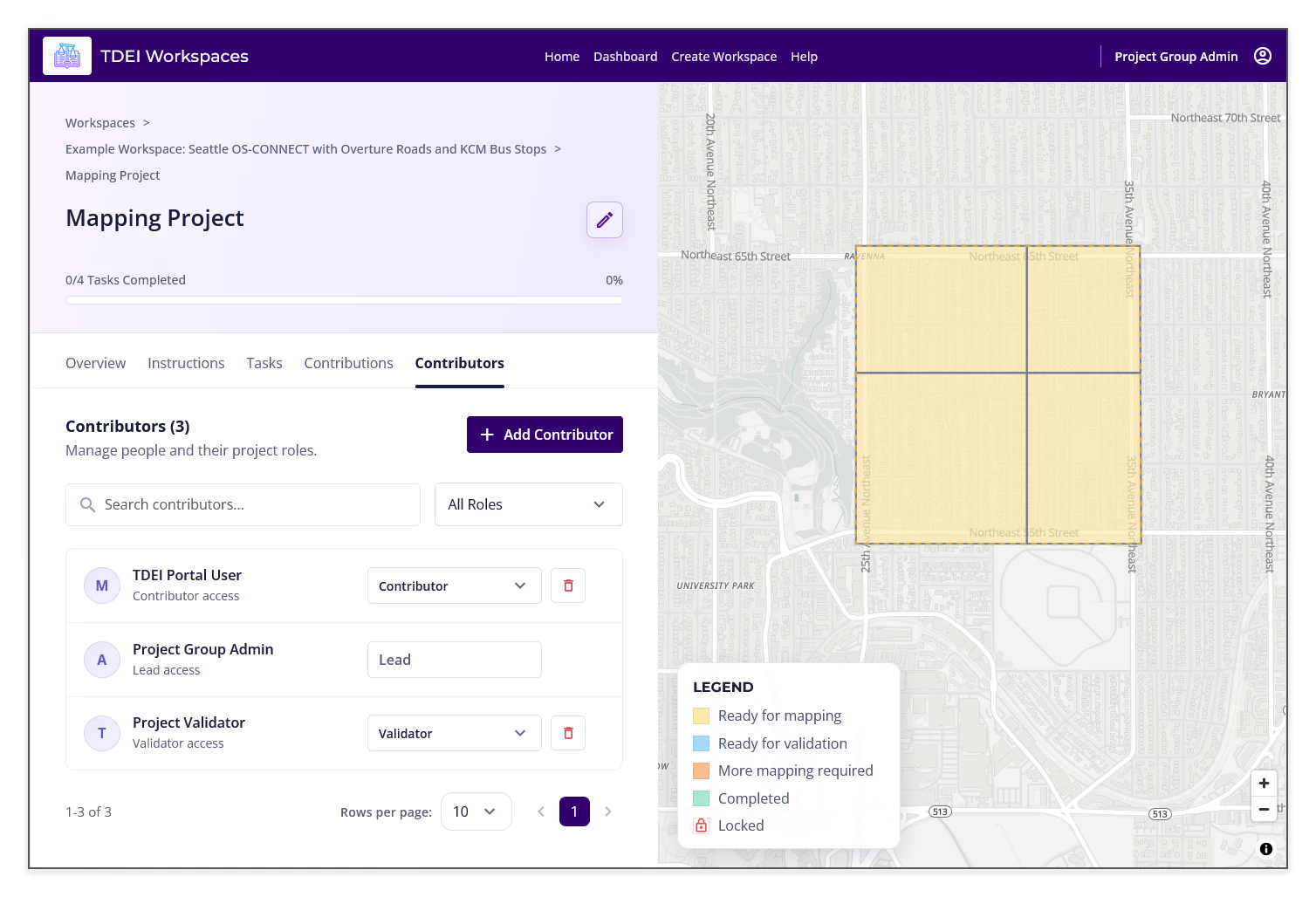
The Contributors tab manages people and their project roles. Use Add Contributor, Search contributors, and All Roles to find and manage contributors. A contributor row can show a Contributor, Lead, or Validator role and a remove control.
Previous: Create a Project | Next: Edit a Project