Export a Workspace
Export a Workspace⚓︎
This section explains how to upload a workspace as a new TDEI dataset or prepare a file for download.
For a list of all guides on the TCAT Wiki, refer to the Guides List.
Open the export page⚓︎
- Select a workspace from the Dashboard
- Open the workspace actions menu
- Select the export option
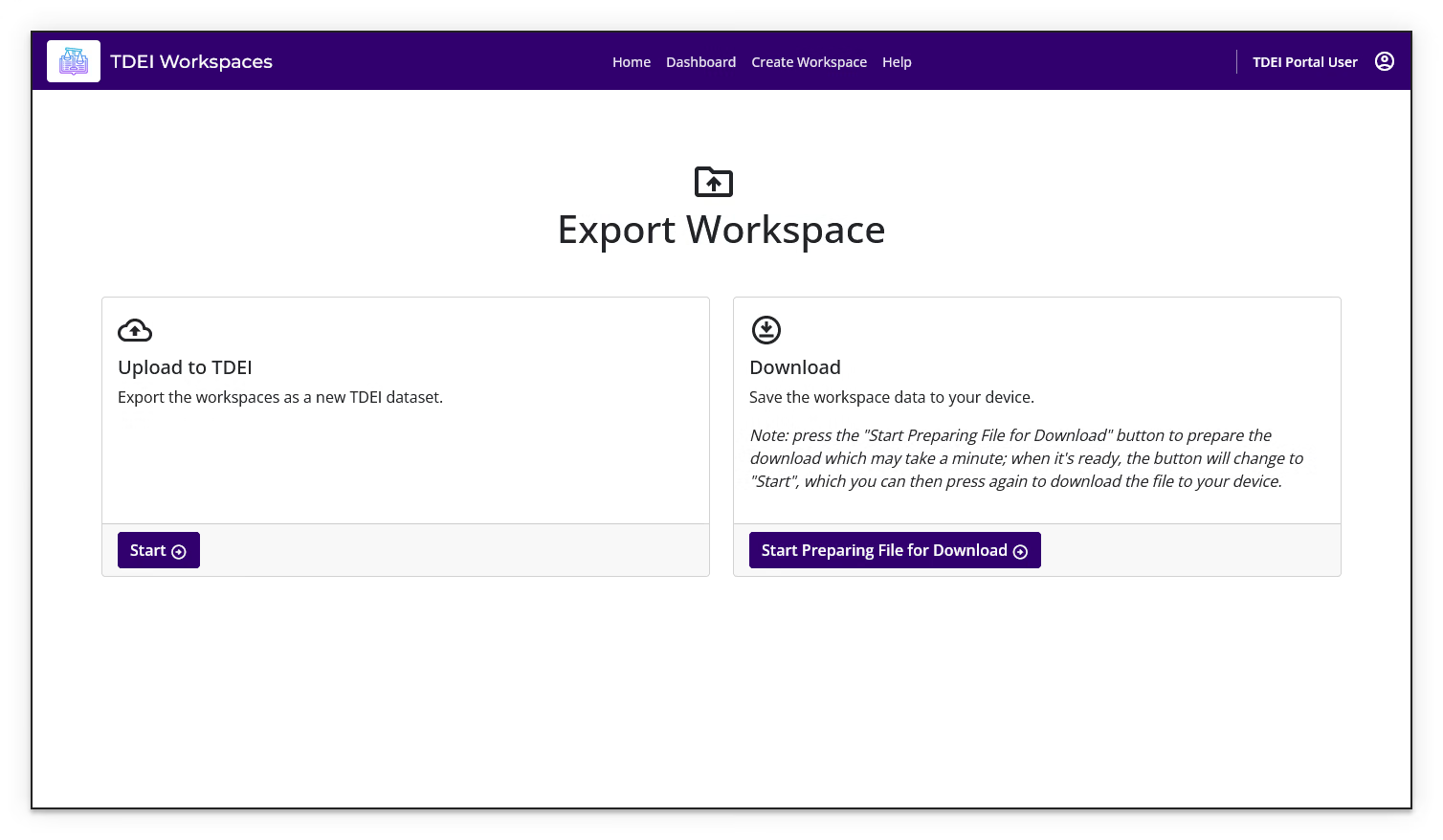
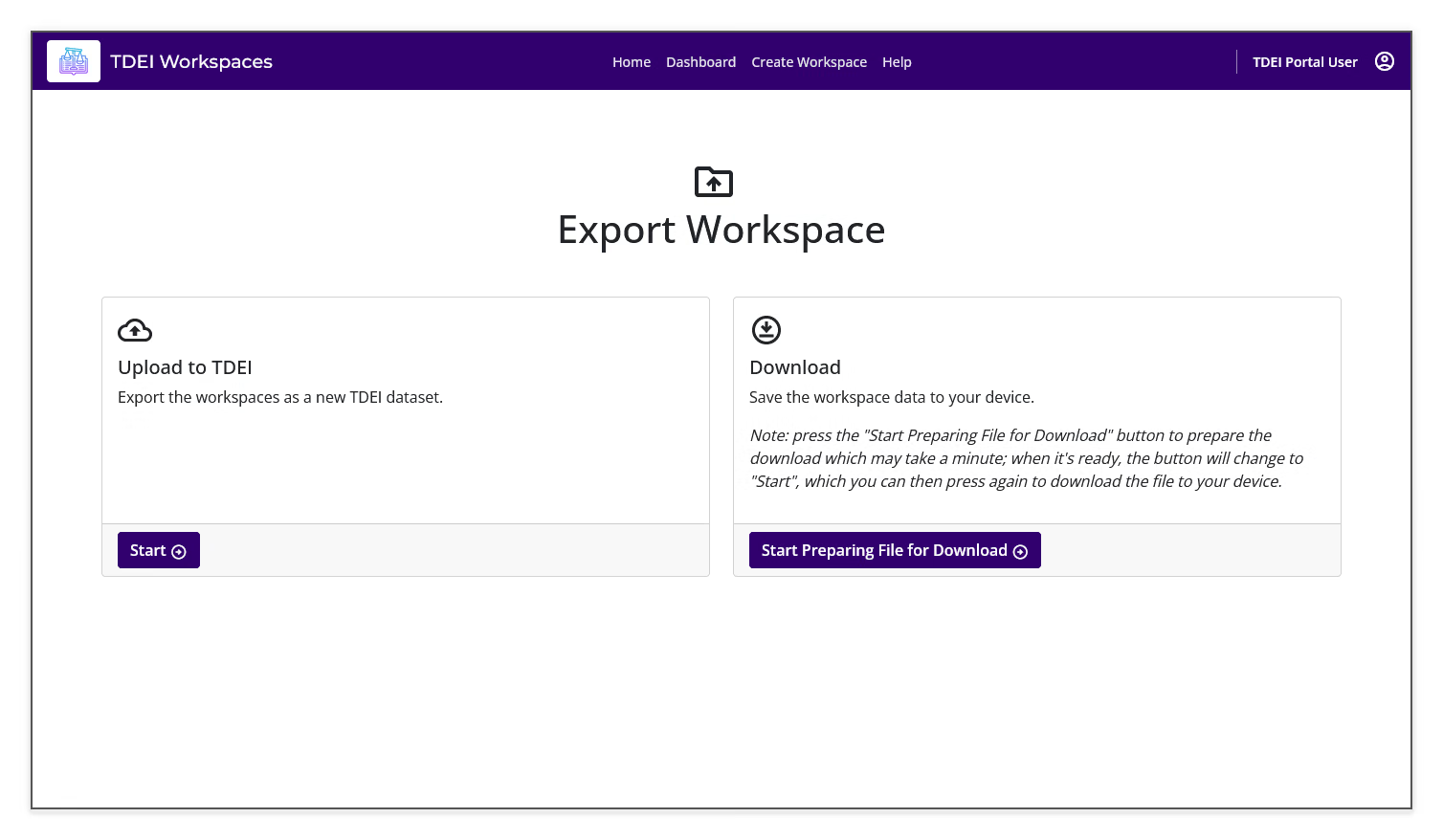
The Export Workspace page provides Upload to TDEI and Download options.
Upload the workspace to TDEI⚓︎
- Review the Upload to TDEI option
- Select Start
- Follow the prompts to export the workspace as a new TDEI dataset
Uploading to TDEI requires a POC or osw_data_generator role in at least one TDEI project group. If you do not have either role, Workspaces displays a permission message and provides Go back instead of the export form.
Download workspace data⚓︎
- Review the Download option
- Select Start Preparing File for Download
- Wait while Workspaces prepares the file
- When the button changes to Start, select it again to download the prepared file to your device
Preparation time
Preparing the file may take a minute. Keep the export page open while the file is being prepared.
Previous: Workspace Review