Quest Definition Creator User Manual
Quest Definition Creator User Manual⚓︎
This user manual explains how to use the Quest Definition Creator to create, edit, validate, and export AVIV ScoutRoute Long Form Quest Definition JSON files.
For a list of all guides on the TCAT Wiki, refer to the Guides List.
About the Quest Definition Creator⚓︎
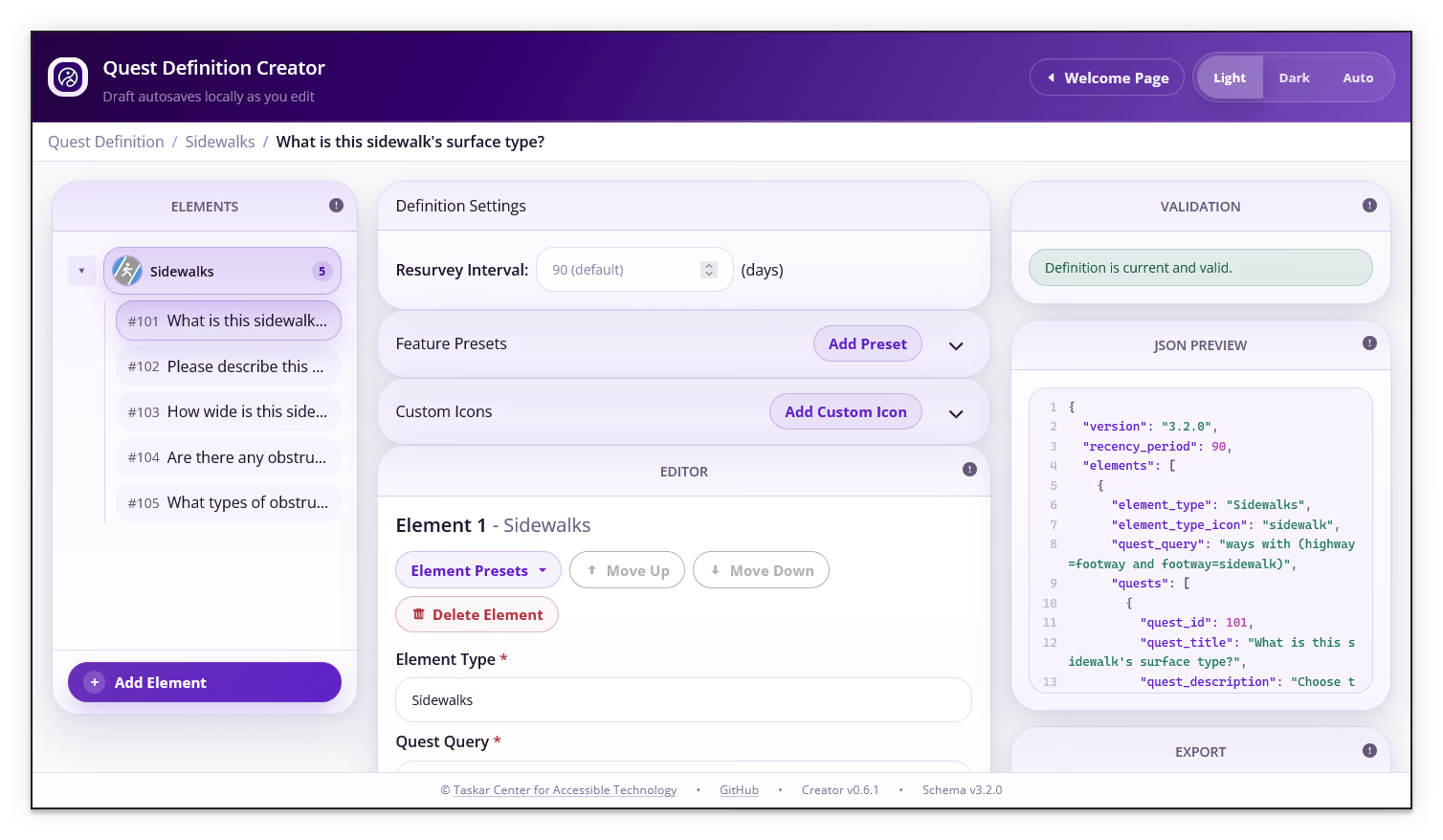
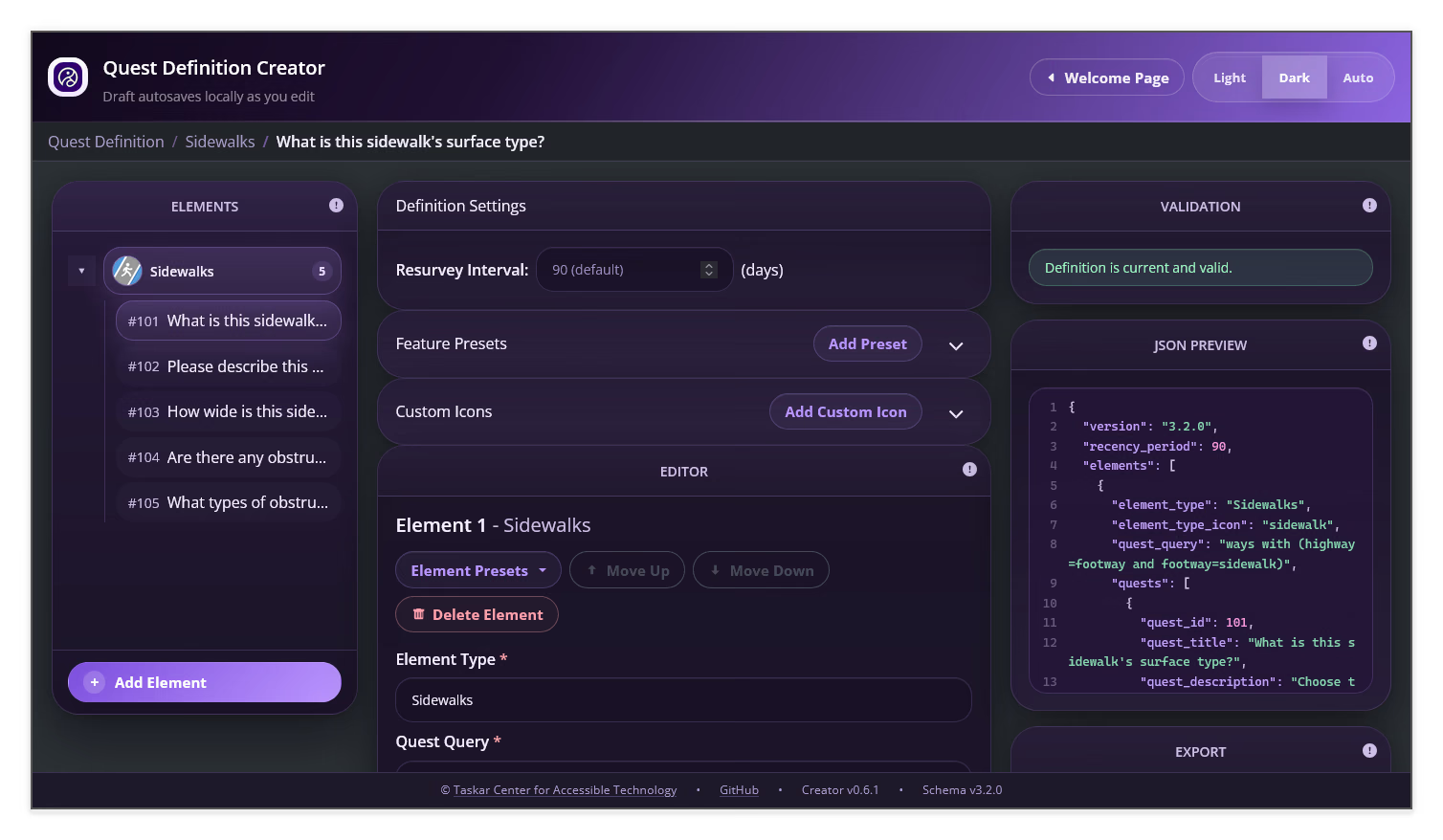
The Quest Definition Creator is a browser-based utility for building and maintaining the JSON files that define AVIV ScoutRoute quests. It can:
- Start a definition from a blank supported schema version
- Load an existing definition from a JSON file or the clipboard
- Resume a draft saved in the same browser and on the same device when one is available
- Add elements and quests manually or from available presets
- Configure answer choices, dependencies, numeric bounds, and icons
- Show validation feedback and a live JSON preview
- Download valid JSON or copy it to the clipboard
The footer displays the Creator version and the Long Form Quest Definition schema version supported by that release. Record those versions when documenting or troubleshooting version-specific behavior.
Workspace configuration is separate!
Exporting a definition creates a JSON file or copies it to your clipboard. It does not update a workspace automatically. Apply and test the exported definition in the intended workspace separately.
Quick Start⚓︎
- Open the Quest Definition Creator
- Choose Create New Definition, Choose File..., or From Clipboard. Select Resume Current Draft if the Resume Draft card is available.
- Add and configure the elements and quests in the editor
- Resolve validation errors and review any warnings
- Inspect the JSON Preview, then select Download or Copy to Clipboard
For a guided first use, start with Getting Started.
Additional Resources⚓︎
- Long Form Quest Definition
- Element Query Guide
- AVIV ScoutRoute User Manual
- Long Form Quest Definition JSON Schema
Table of Contents⚓︎
Quest Definition Creator User Manual Table of Contents
Getting Started⚓︎
This section explains how to open the Quest Definition Creator, start a definition, load JSON from a file or clipboard, resume an available draft, and choose a color theme.
Editor Overview⚓︎
This section introduces the Quest Definition Creator panels and explains the global definition settings.
Elements⚓︎
This section explains how to define the map features that quests target.
Quests⚓︎
This section explains how to create and configure quest questions, answer choices, AutoCapture attributes, numeric validation, and dependencies.
Presets and Custom Icons⚓︎
This section explains how to use Feature Presets, Element Presets, Quest Presets, and custom icons in a quest definition.
Validation and Export⚓︎
This section explains how to resolve validation issues, review the JSON preview, upgrade compatible definitions, and export a file.