Quality Report
Quality Report⚓︎
This page explains how to use the Quality Report job to generate a quality report for a dataset.
Function⚓︎
Invoked quality report generation for the specified tdei_dataset_id.
Job Creation Form⚓︎
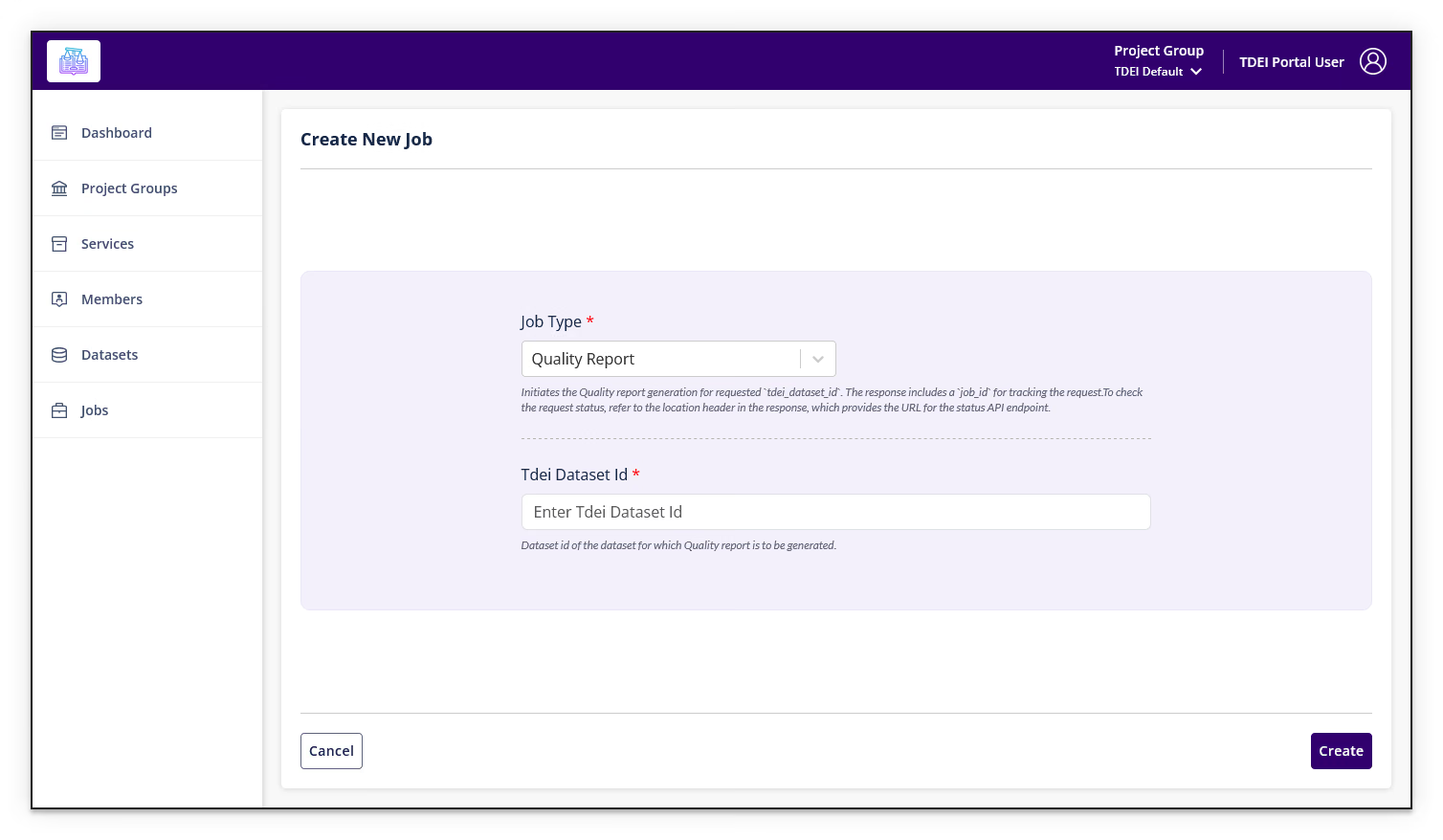
| Field | Required | Description |
|---|---|---|
| TDEI Dataset Id | Yes | ID of dataset for which the report will be generated |
Full job description
Initiates the Quality report generation for requested tdei_dataset_id.
The response includes a job_id for tracking the request.
To check the request status, refer to the location header in the response, which provides the URL for the status API endpoint.
Select Create to submit the job. Select Cancel to return to the Jobs list.
Return to Jobs.