Workspaces User Manual
Workspaces User Manual⚓︎
This user manual explains how to use the TDEI Workspaces platform.
For a list of all guides on the TCAT Wiki, refer to the Guides List.
About Workspaces⚓︎
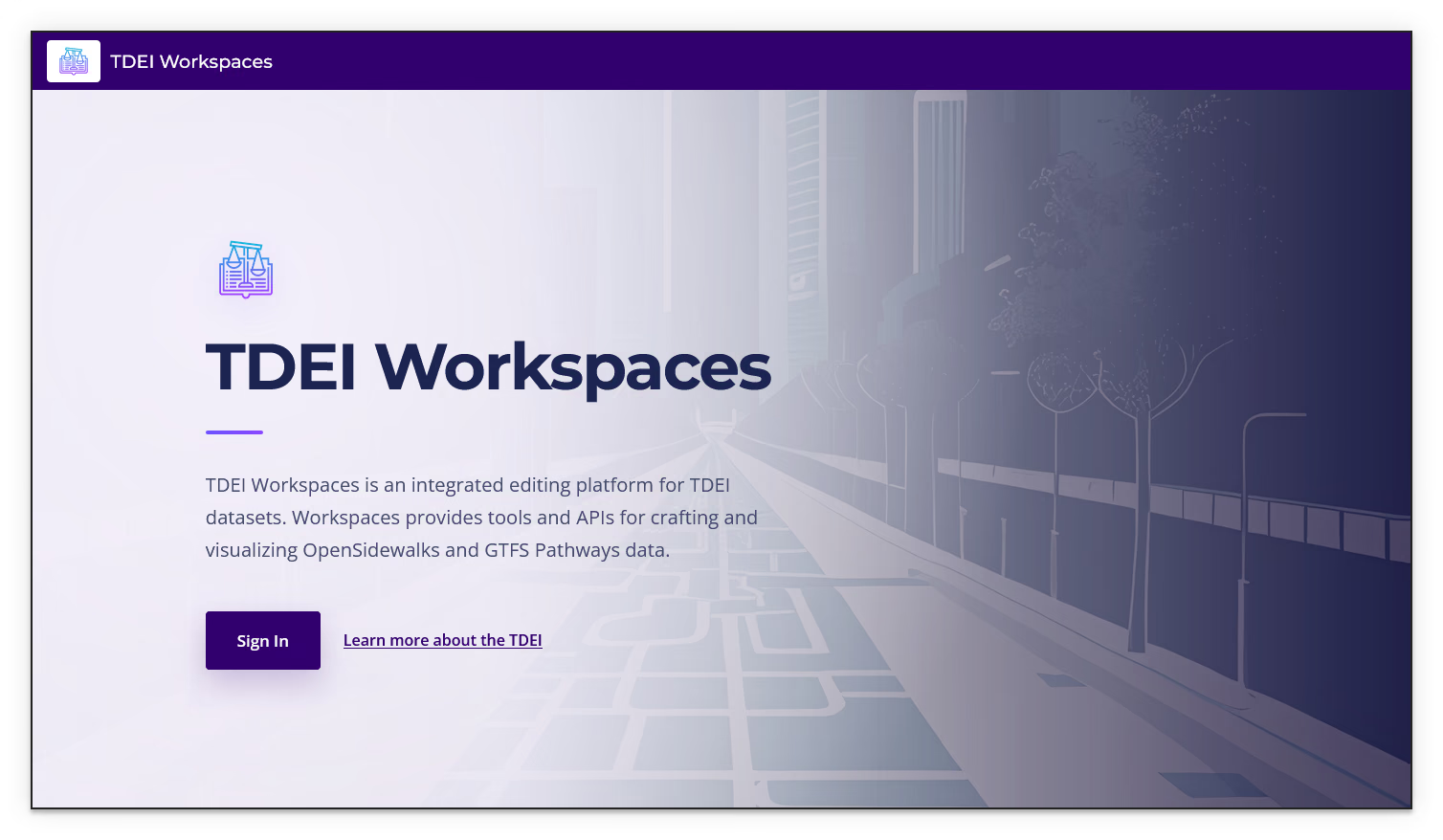
TDEI Workspaces is an integrated editing platform for TDEI datasets. It provides tools and APIs for creating and visualizing OpenSidewalks and GTFS Pathways data.
Quick Start⚓︎
- Open TDEI Workspaces
- Sign in with your TDEI credentials
- Select a project group on the Dashboard
- Select an existing workspace, or create a workspace
- Use the workspace actions to edit, configure, or export the workspace
Table of Contents⚓︎
Workspaces User Manual Table of Contents
Getting Started⚓︎
This section explains how to open TDEI Workspaces, sign in, and find the main Workspaces pages.
Create a Workspace⚓︎
This section explains how to create a blank workspace, import a dataset from TDEI, or upload an OpenSidewalks data file.
Dashboard⚓︎
This section explains how to select a project group, find a workspace, and review workspace information on the Workspaces Dashboard.
Workspace Review⚓︎
This section explains how to open the workspace review map, filter review items, inspect changesets and notes, compare feature history, and discuss or resolve changes.
Export a Workspace⚓︎
This section explains how to upload a workspace as a new TDEI dataset or prepare a file for download.
Workspace Settings Guides⚓︎
This section introduces the settings available for configuring a workspace, its members, and its teams. Use the subsections below to find the controls for your task.
Workspace Settings — General⚓︎
This section explains how to rename a workspace, configure external app access, define custom imagery, and delete a workspace.
Workspace Settings — Members⚓︎
This section explains how to review workspace roles, assigned member roles, and member privileges in the Members section of Workspace Settings.
Workspace Settings — Teams⚓︎
This section explains how to create, manage, and join workspace teams.
Workspace Projects Guides⚓︎
This section introduces workspace projects and the tools for creating, managing, and contributing to them. Use the subsections below to find a project, make project changes, contribute mapping edits, or validate tasks.
Create a Project⚓︎
This section explains how to create a project, define its area of interest, configure project settings, and generate project tasks.
View a Project⚓︎
This section explains how to find projects in a workspace and review a project’s details, tasks, and contributors.
Edit a Project⚓︎
This section explains how to update project details, instructions, imagery, team members, configuration, and project actions.
Contribute to a Project⚓︎
This section explains how to select a project task, make and submit mapping edits, or release a task without submitting it.
Validate for a Project⚓︎
This section explains how to find tasks ready for validation, review mapping against project requirements, and handle the restriction on validating your own mapping.